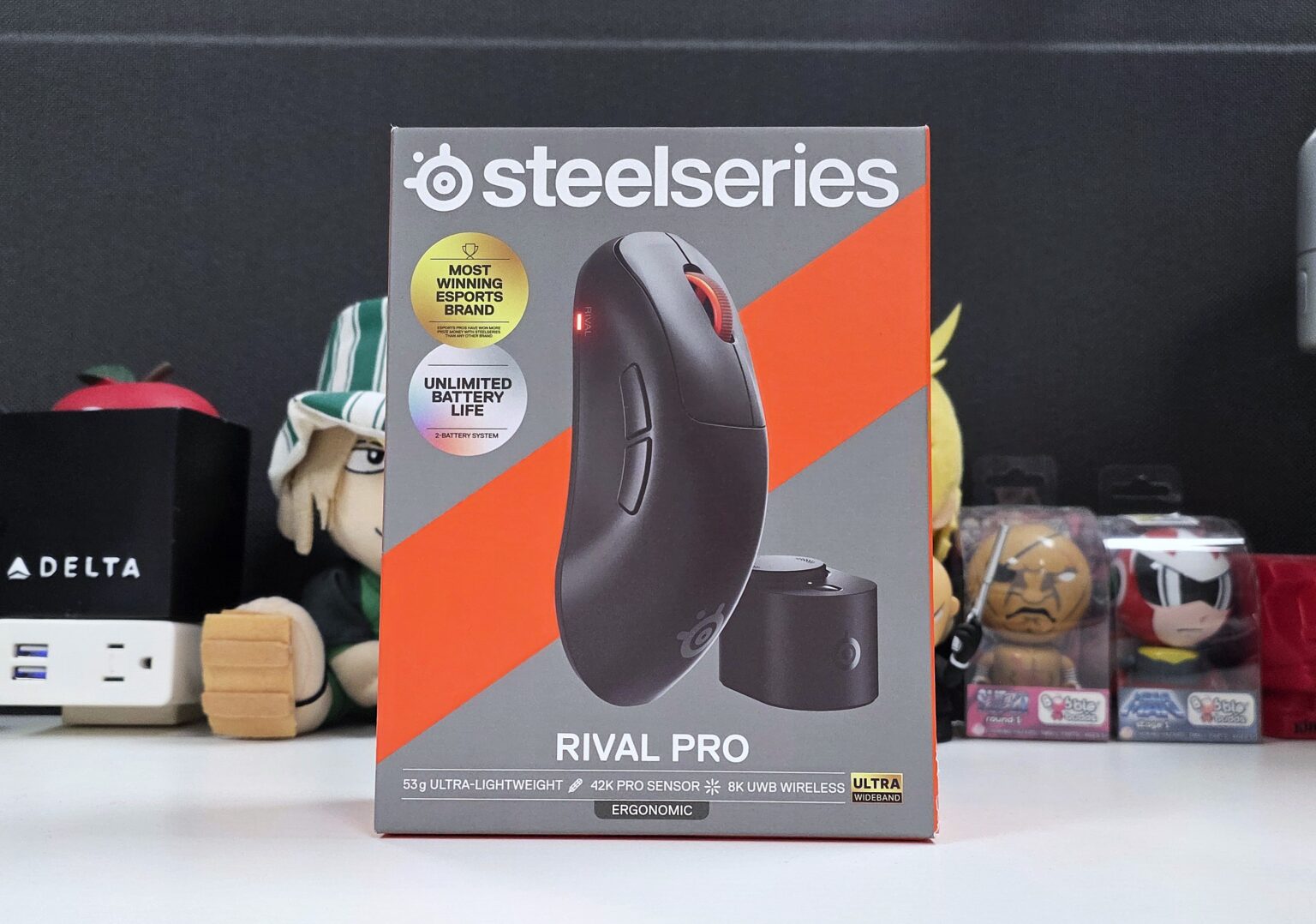
On September 29, 2026, SteelSeries introduced a new family of gaming mice powered by true 8K polling and Ultra-Wideband (UWB) connectivity. The new Sensei Pro and Rival Pro series of wireless gaming mice use this combo to ensure that gamers experience the input accuracy that 8K polling offers without being bottlenecked by a traditional 2.4Ghz wireless connection. To solve the problem of 8K polling’s power draw is SteelSeries’ Infinite Power System, allowing you to swap in a fresh battery on the fly. The symmetrical Sensei Pro and ergonomic Rival Pro will come in both full size and mini variants, with each variant being offered in black and white color schemes.
Here we will dive into the SteelSeries Rival Pro, a mouse we have spent a good amount of time with, to dive in deep into its features and performance. So, let’s see what the $179.99 Rival Pro has to offer.
RivalPro Base Specs
| Sensor | TrueMove 42K Pro Sensor |
| DPI | 42,000 |
| Max Speed | 800 IPS |
| Max Acceleration | 70G |
| Lift Off Distance | 0.7 – 1.7 mm in 0.1mm steps |
| Max Sensor Report Rate | 8000Hz (0.125 ms) |
| Max Polling Rate | 8,000Hz / 0.125ms (Optional 9K Over-polling / 0.111ms) |
| Switch Type | 100 Million Click Optical Switches |
| Shape | Ergonomic |
| Length | 125.7 mm |
| Width | 68.2 mm |
| Height | 42.2 mm |
| Weight | 53g |
| Battery | 16-hour battery life per battery at 8K Polling |
| Compatibility | Windows, Xbox Series S|X, PlayStation 4|5 |
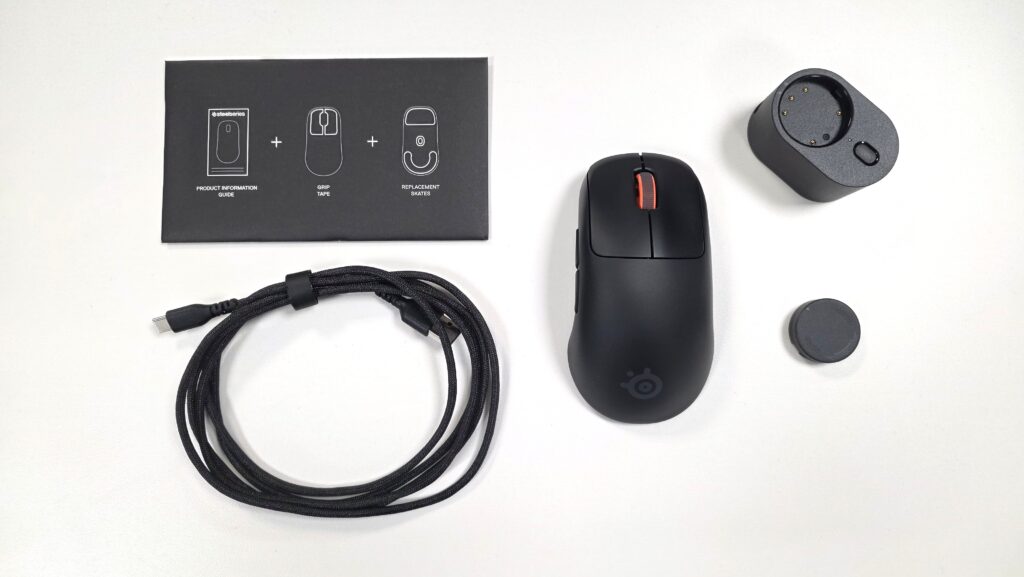
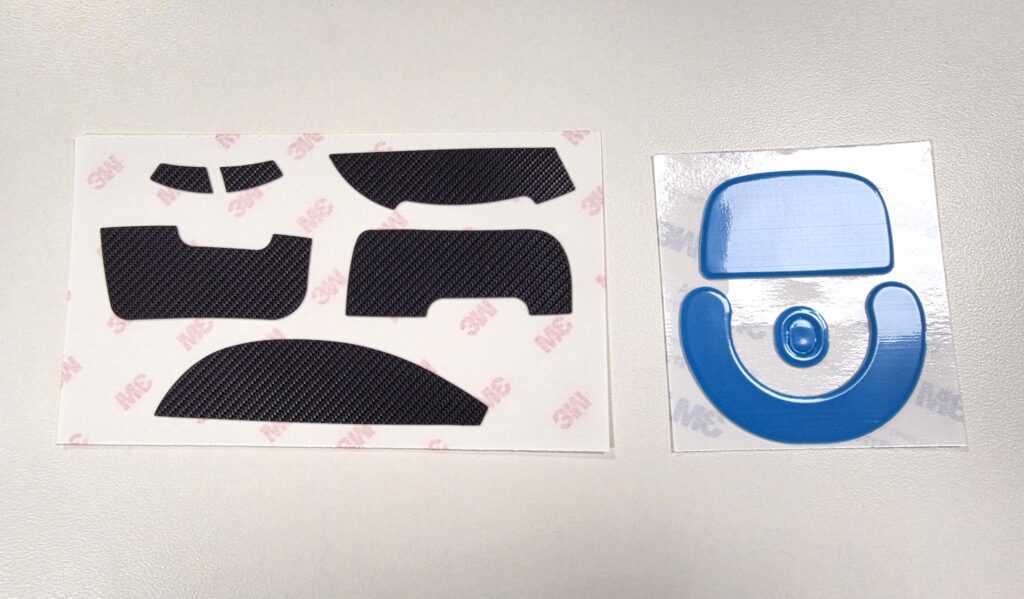
A SteelSeries Rival Pro Wireless Mouse comes with two batteries, a USB-C to USB-A cable, replacement mouse feet, optional rubberized grips, and a SuperSync Sensor wireless dongle.
Build and Features
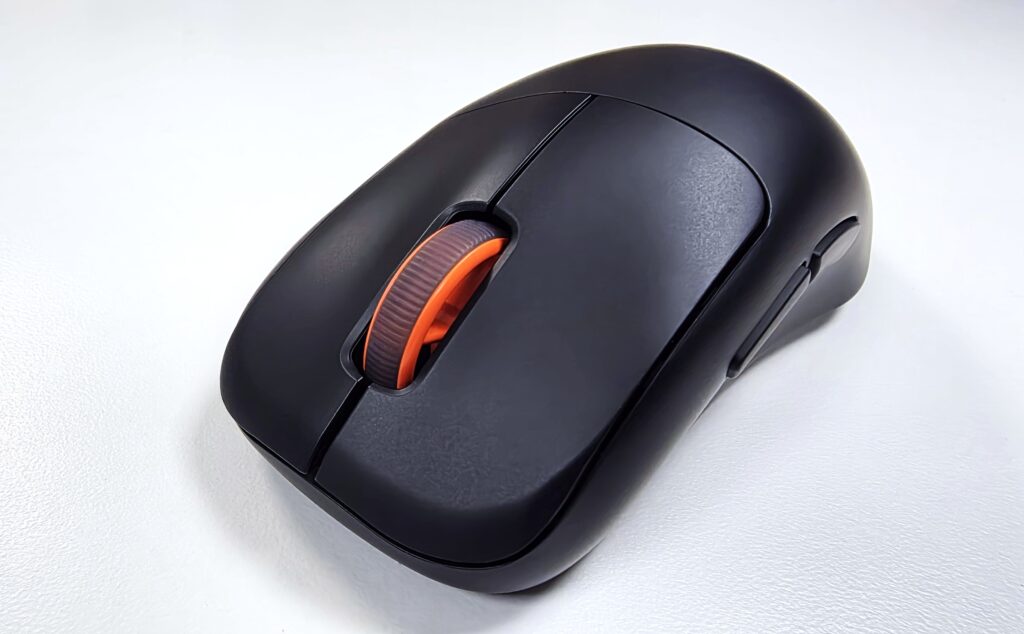
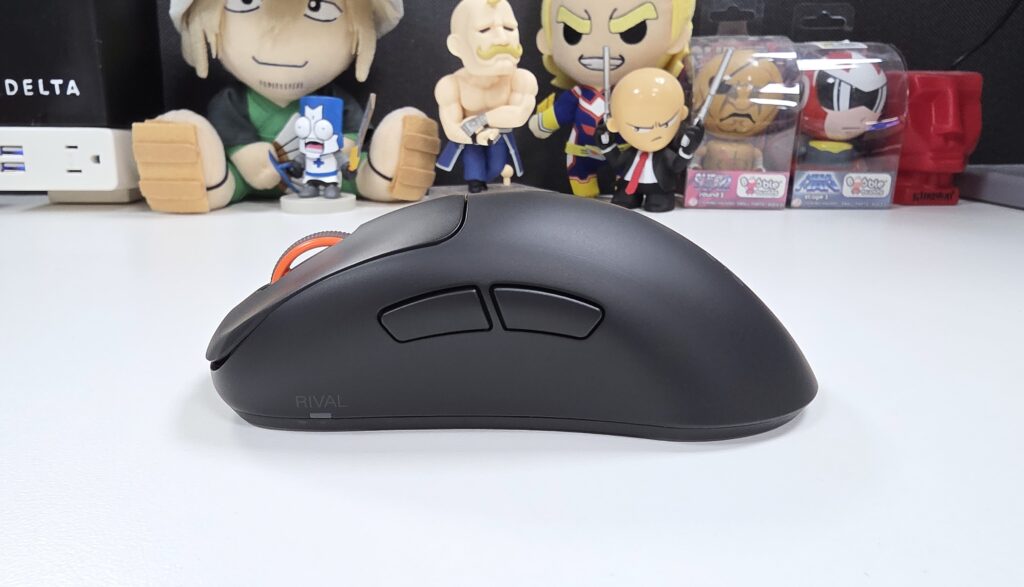
The SteelSeries Rival Pro is a wireless 6-button gaming mouse, designed for right-handed ergonomics. It sports the TrueMove 42K Pro Sensor, capable of tracking at a rate of 42,000 DPI at max speed of 800 DPI. Both the left and right clicks house optical switches rated for a 100 million-click lifespan. You then have two thumb side buttons, a scroll wheel button, and a button at the bottom for toggling DPI levels. All of this sits within an ultra-lightweight 53g body.
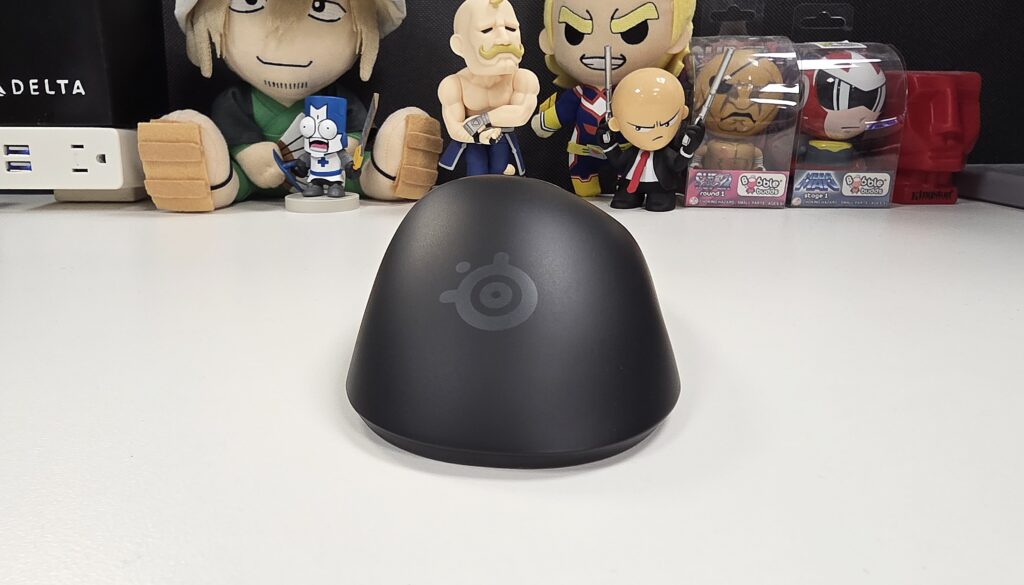
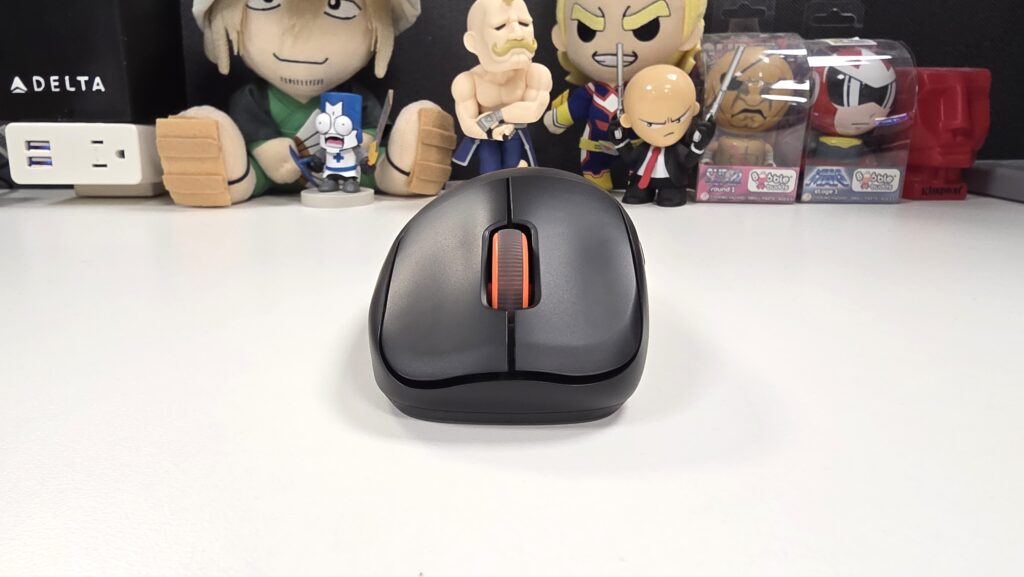
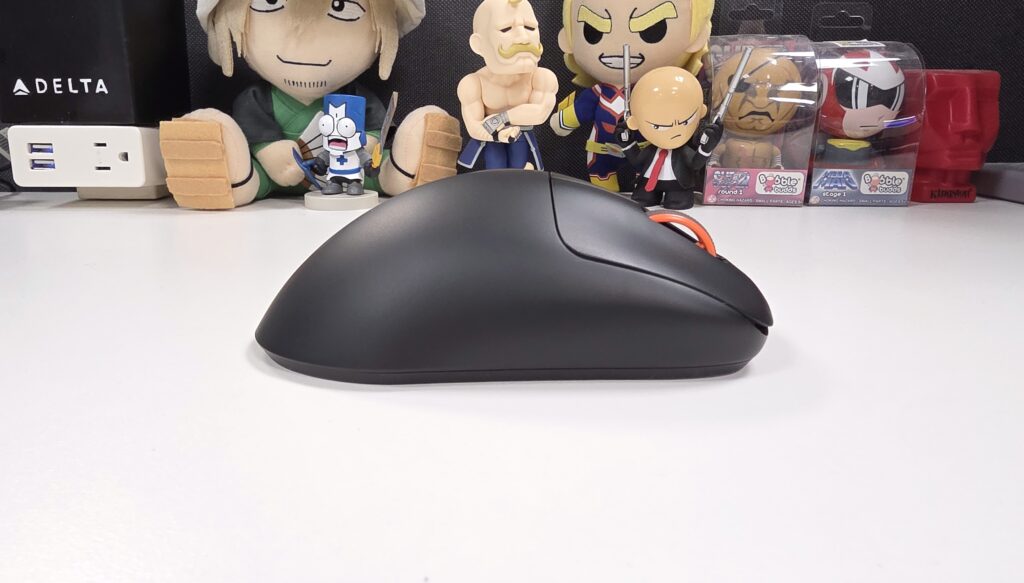
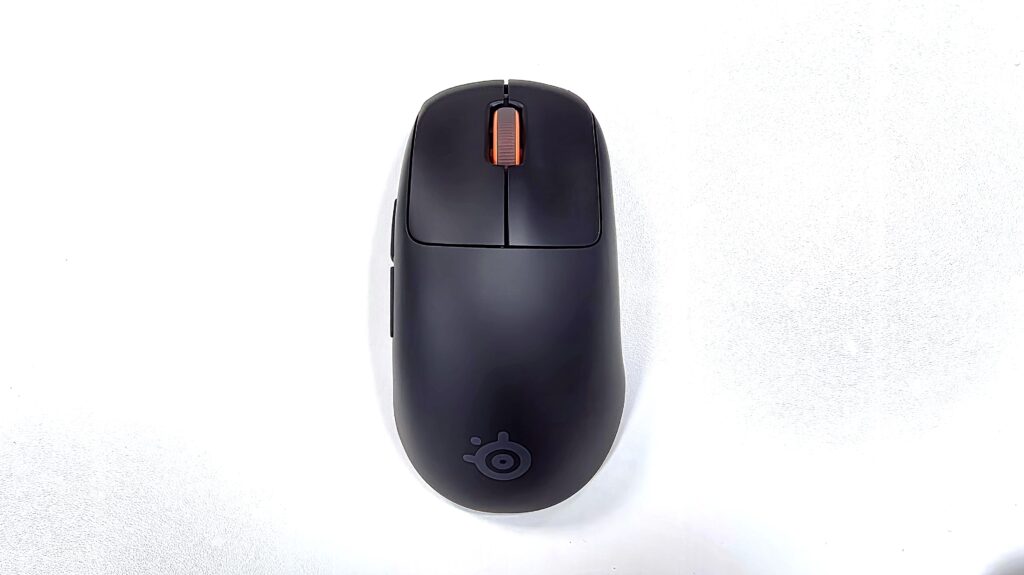
One of the main features of the Rival Pro is its combo of Ultra-Wideband Wireless connectivity and 8K Hz polling rate. While 8K polling in itself means fast response times, accurate and smooth cursor movement, and reduced input delay, it has its own natural downsides when it comes to wireless peripherals. It has a high power draw and the polling rates are only as good as the wireless transmission it is relying on. Solving the wireless transmission part is the Rival Pro’s Ultra-Wideband Wireless technology. By operating on 20 times the bandwidth seen in traditional 2.4GHz wireless connections, this allows this mouse to achieve an 8,000Hz wireless report rate. The mouse even supports an over-compensating 9K over-polling, to further solidify the recording of your movement and inputs. Thanks to all of this, the Rival Pro can take full advantage of 8K polling without any bottlenecking.
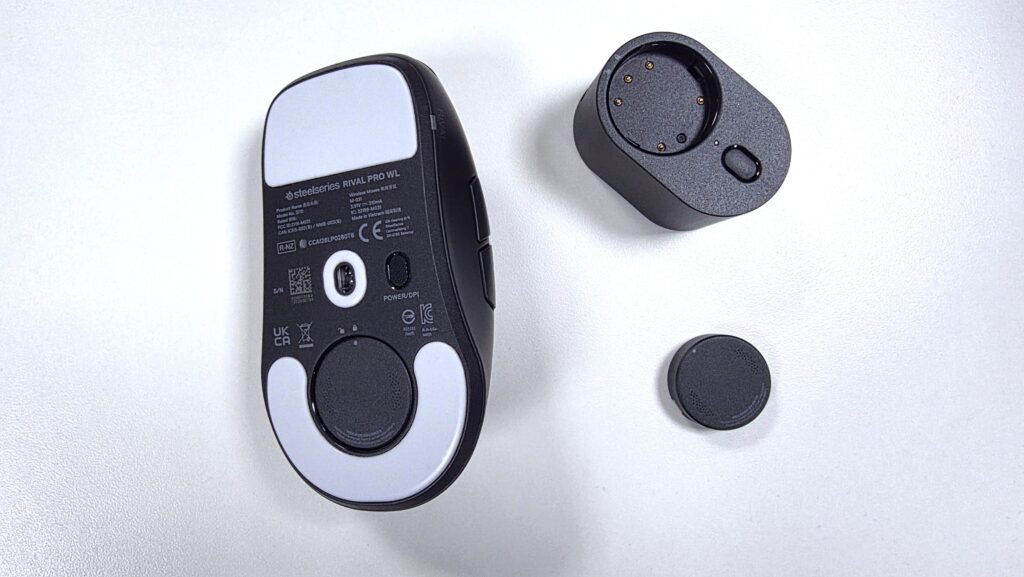
The Rival Pro then attacks the power drain issue of 8K polling with a solution seen in SteelSeries’ Arctis Nova Pro and Arctis Nova Elite headsets. SteelSeries’ Infinite Power System is in play here, allowing the mouse to use one battery while the transmitter recharges the other. Whenever the Rival Pro is low on power, simply swap the battery with the fully recharged one and get back into the game in seconds. This allows you to enjoy the highest polling rates this mouse has to offer with practically no downtime.
As far as builds go, SteelSeries cut no corners with the Rival Pro. Its ergonomic shape and feather-like weight make the mouse a dream to handle. Left and Right clicks are satisfying to press while the side buttons are easy to access and use. The mouse wheel’s rubberized surface and tactile feedback lead to accurate and comfortable scrolling. The mouse’s shell is also easy to maintain a grip on, where I found the included grip tape to be unnecessary. You then have the industry standard 100% PTFE mouse feet, allowing the mouse to glide effortlessly on my gaming surface. While light mice are usually not my preference, I have to say that the Rival Pro generally feels great all around.
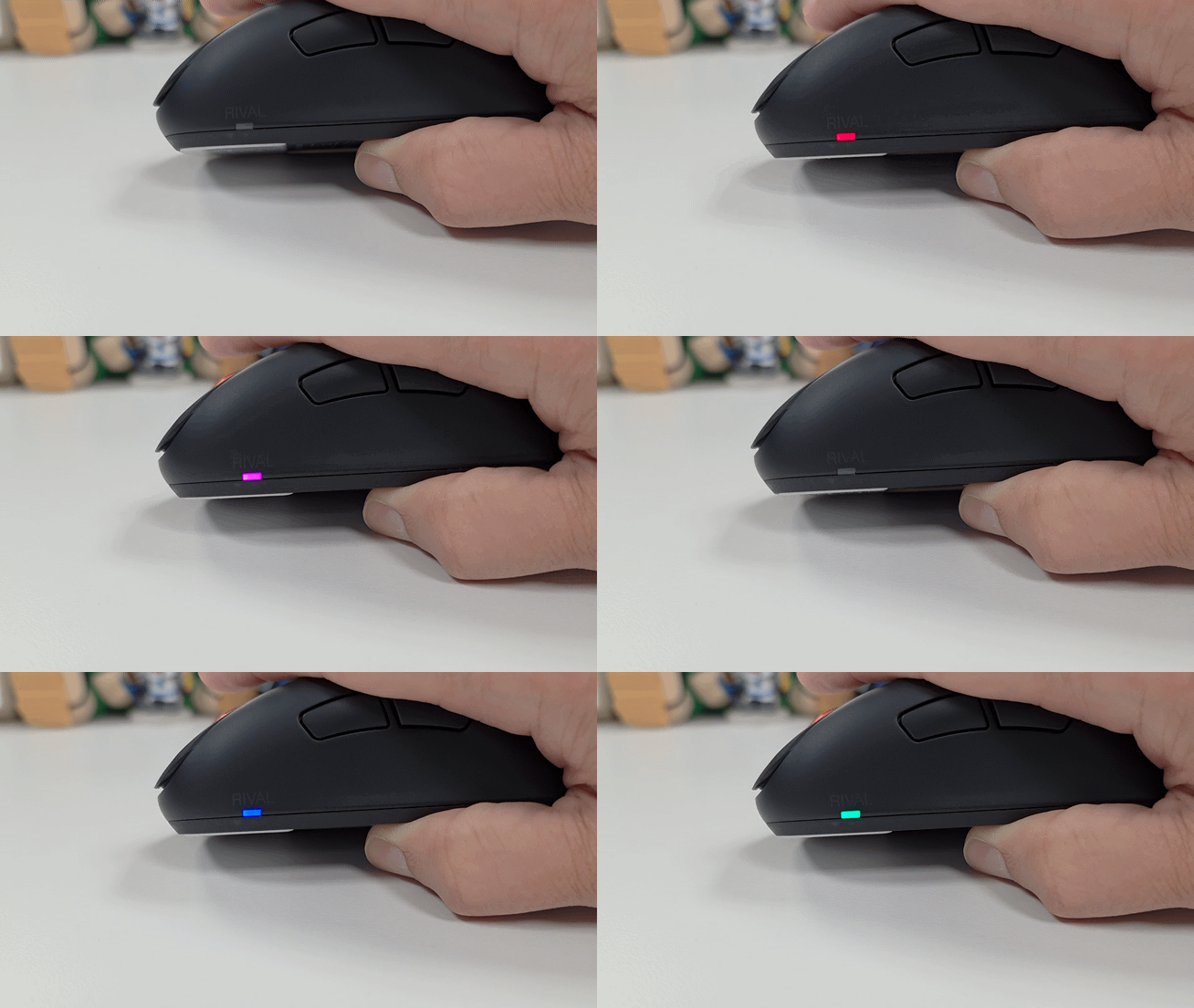
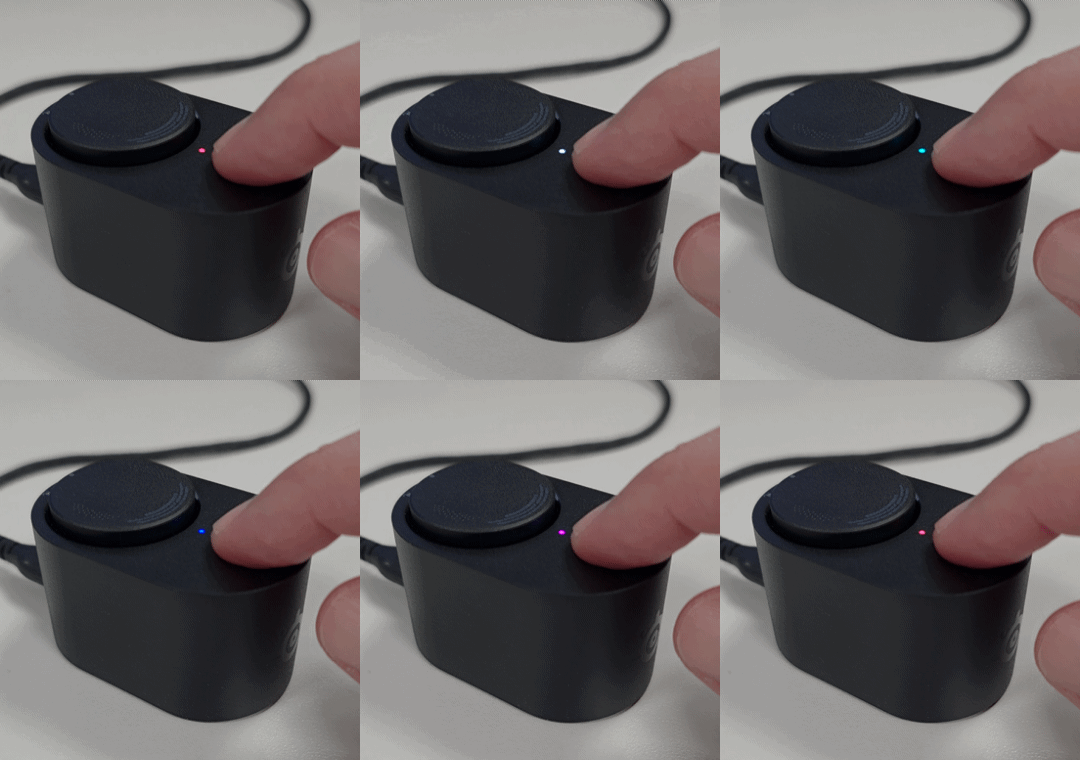
The Rival Pro allows for the configuration of up to five customizable DPI sensitivity settings, with a max of up to 65,000 DPI. Pressing the button on the bottom of the mouse allows you to toggle between these levels in order, with an LED changing color to help indicate which DPI setting you are on. Similarly, the wireless dongle’s SuperSync Sensor can also toggle between customizable polling and reporting rates, with an indicator LED also in play there.
Finally, you have the Infinite Power System keeping you constantly in the game with its swappable batteries. At 1K polling, a single battery can give you up to 60 hours of use, perfect for your everyday PC use. Then at 8K polling, you still get a very solid 16 hours of use per battery, ensuring that even your longer gaming sessions go uninterrupted. Battery swapping is also quite fast, whereas a simple twist allows you to either lock or unlock the battery with both the mouse and the transmitter.
In the end, the Rival Pro sports a no-nonsense build that takes all usage styles and session durations into account. Top marks all around.
More Features and Performance
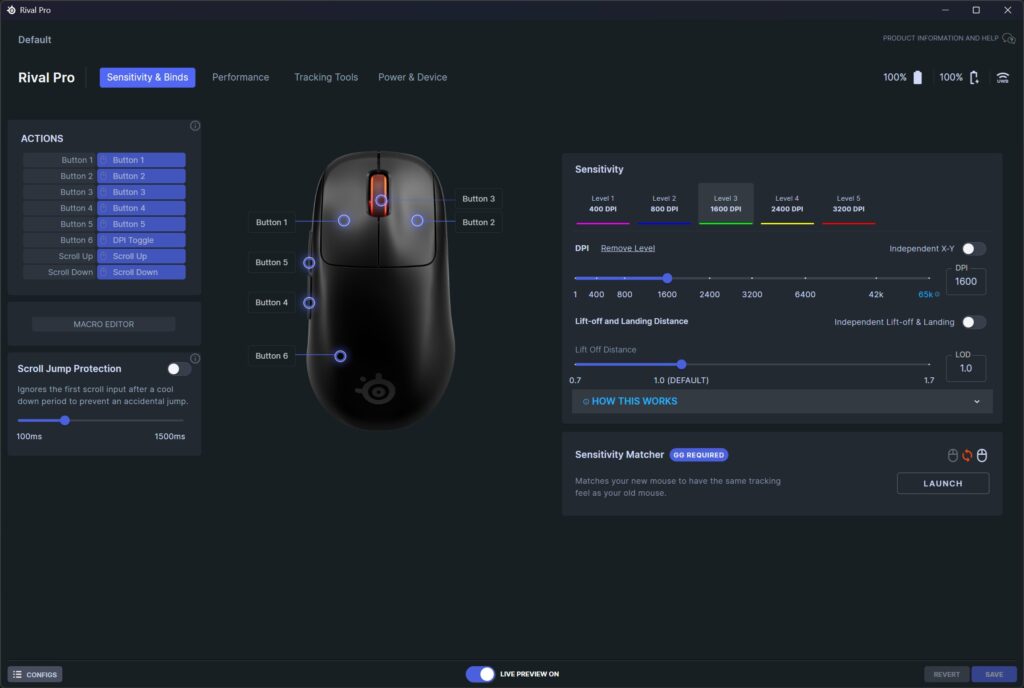
The behavior and performance of the Rival Pro can be fully customized via the SteelSeries GG app for PC. The level of customizability this mouse allows is quite robust. You have the standard assortment of options that you would expect for any gaming mouse, such as sensitivity, button mapping, and behavioral profile configurations. However, the Rival Pro gives you quite possibly every configuration option that you would ever think of.
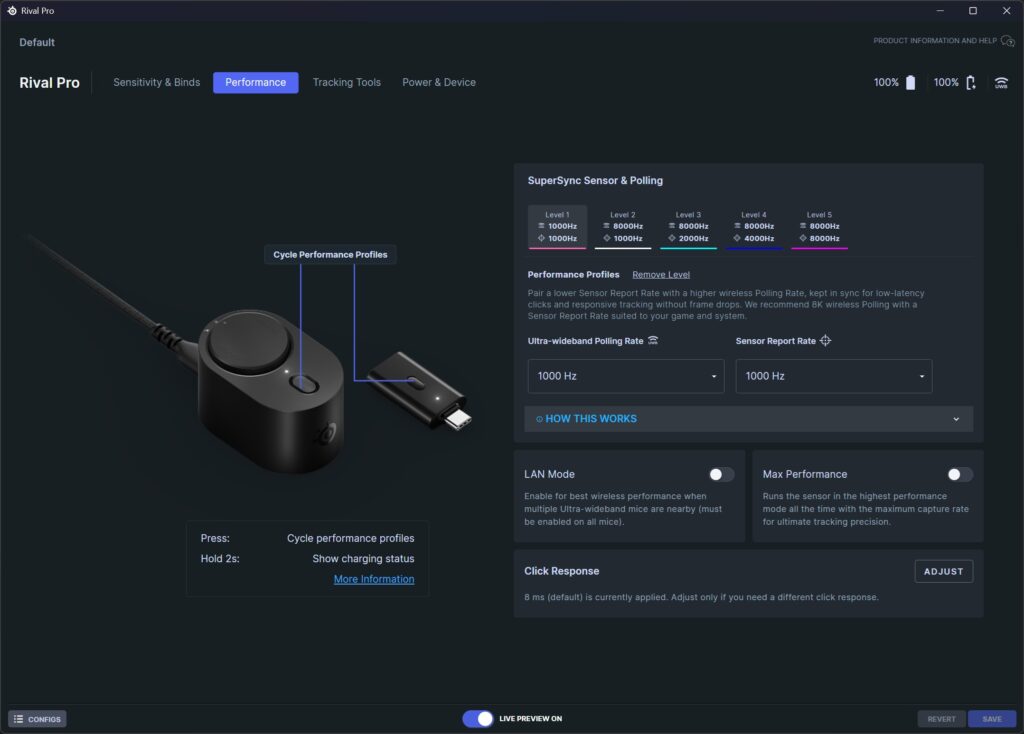
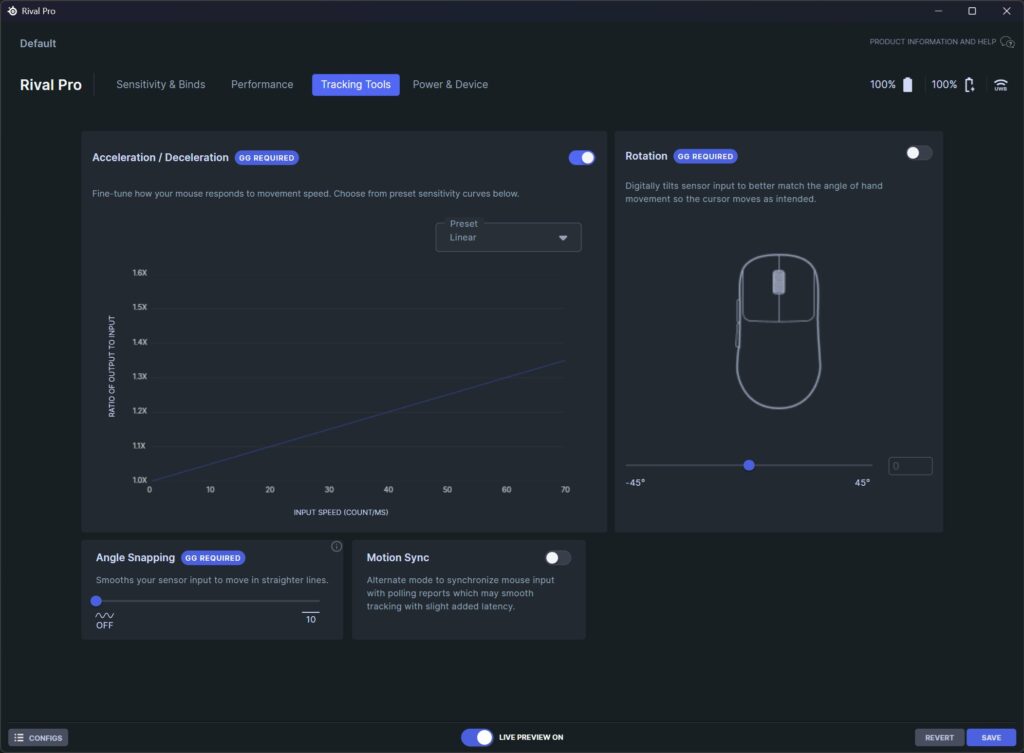
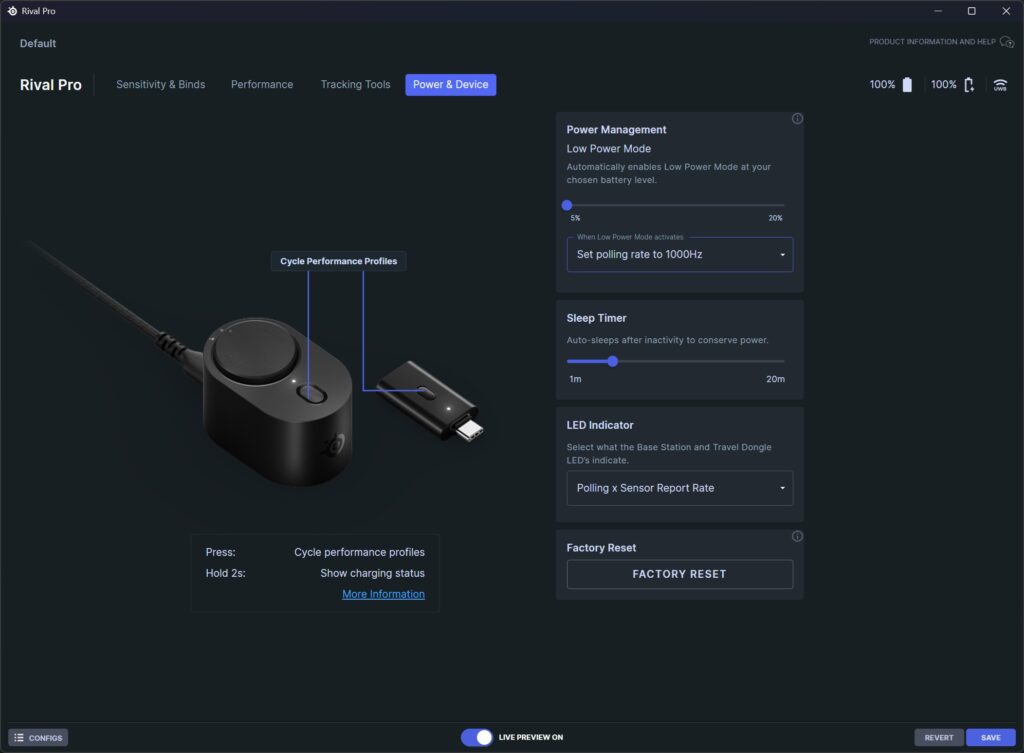
Going deeper, you can determine lift-off and landing distances, polling and sensor reporting rates, and acceleration and deceleration styles. You even have options for angle snapping and rotation, where rotation tilts the sensor using software to better emulate tracking for users that hold their mice at an angle.
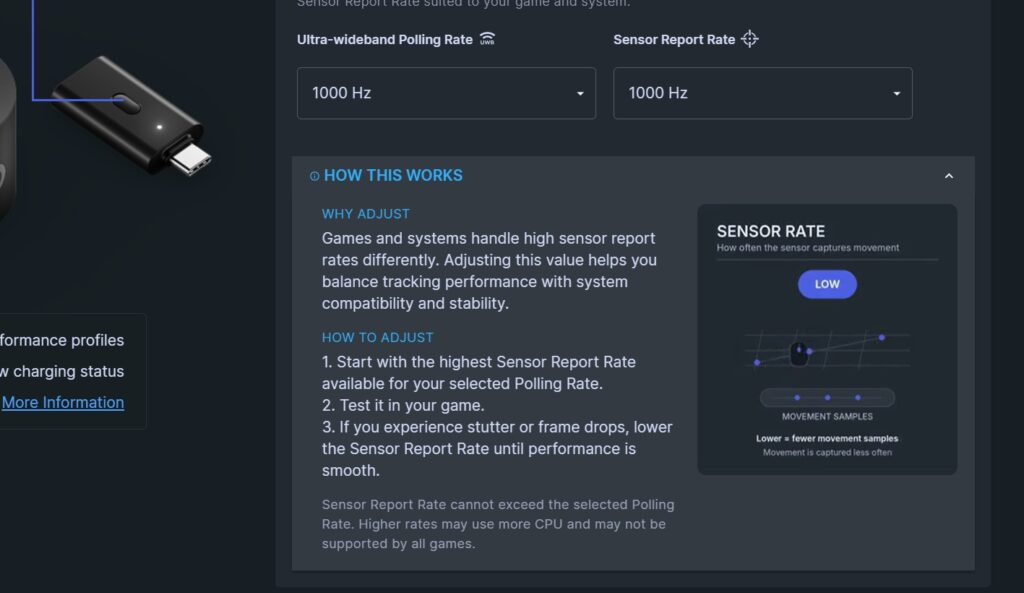
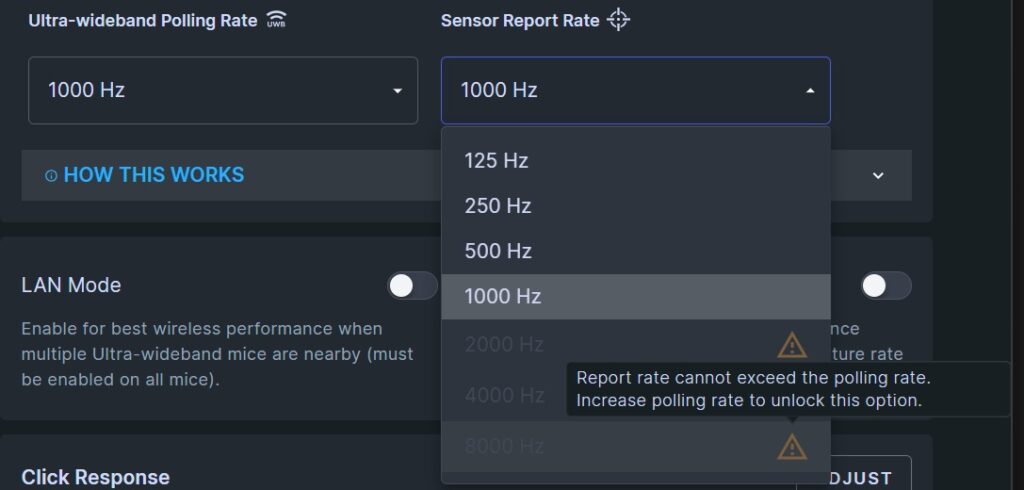
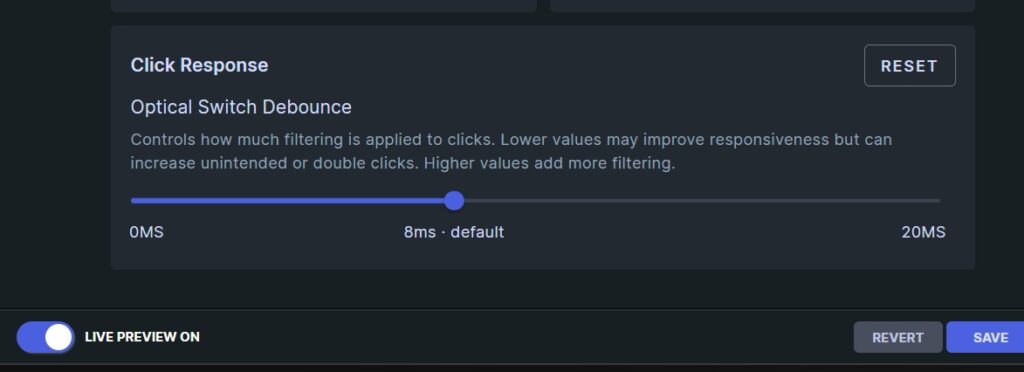
What is especially nice is how well SteelSeries GG explains, warns, and guides you through its various features. Descriptions for somewhat more advance features like optical switch debounce explain what you are changing while warning you of potential undesirable settings. The same can be said about the polling and sensor report rate options, which help ensure that the rates you are applying are done logically.
When it came to actual gameplay the Rival Pro was a joy to use. Movement and tracking felt both precise and smooth, while click actuation and response felt fast and sharp. I have never been one to focus on acceleration in the gaming mice I have used, so I left the default linear acceleration setting in play. Also, since I rarely hold my mice at an angle or do much lifting, much of the default settings of the Rival Pro worked perfectly for me as is. So, after trying out the solid variety of settings that SteelSeries GG offered, in the end the default settings led to an overall successful experience in all of my gaming sessions.
Diving into Apex Legends, the Rival Pro high tracking and polling rates allowed for clean shots in all play styles. Whether I moved the mouse slowly for 8X zoom Sentinel shots or rapidly during close-quarter dual P2020 gun play, the Rival Pro did not disappoint. I even scored a “Perfect” in one of my Street Fighter event matches, as well as over 4K damage.
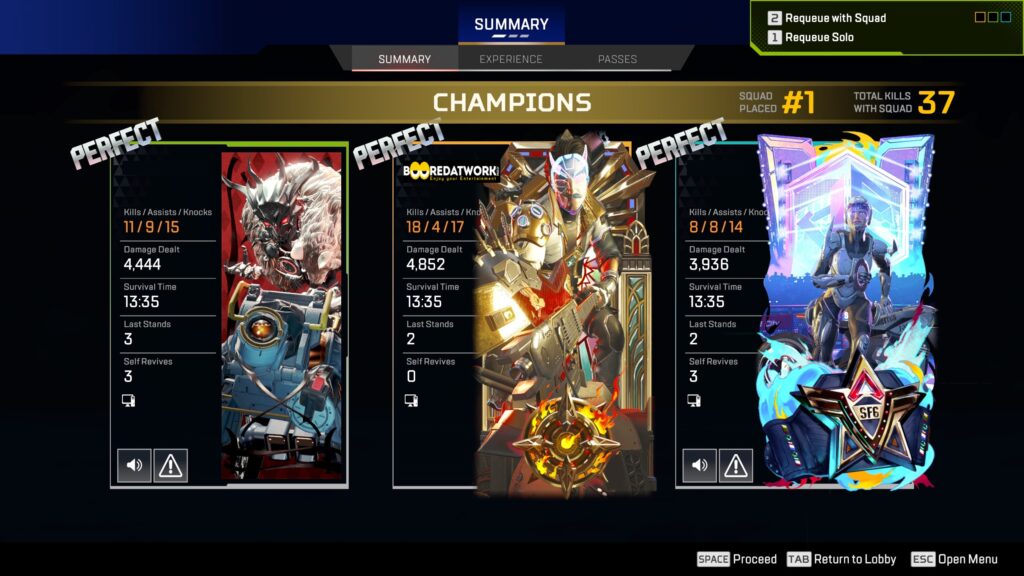

In the end, I was more than impressed with the performance and feature set provided by the Rival Pro and the SteelSeries GG software.
Final Thoughts
As a pro-level gaming mouse, the SteelSeries Rival Pro is the complete package. Its 8K max reporting and polling rates allow it to stand with, if not surpass that of wired gaming mice out now. It then throws in the Infinite Power System, solving a problem that many high polling wireless devices have today: a short battery life. Toss in impressive performance and a complete suite of customization options and the Rival Pro is a gaming mouse that is hard to rival, pun intended.
Coming in at $179.99, the SteelSeries Rival Pro is a hefty investment. However, its build quality, level of performance, and robust feature set do a good job at validating its price point.
If you are interested in checking out the SteelSeries Rival Pro for yourself, you can do so by clicking here. You can also check out both the Rival Pro and Sensei Pro, as well as all their various model options by clicking here.
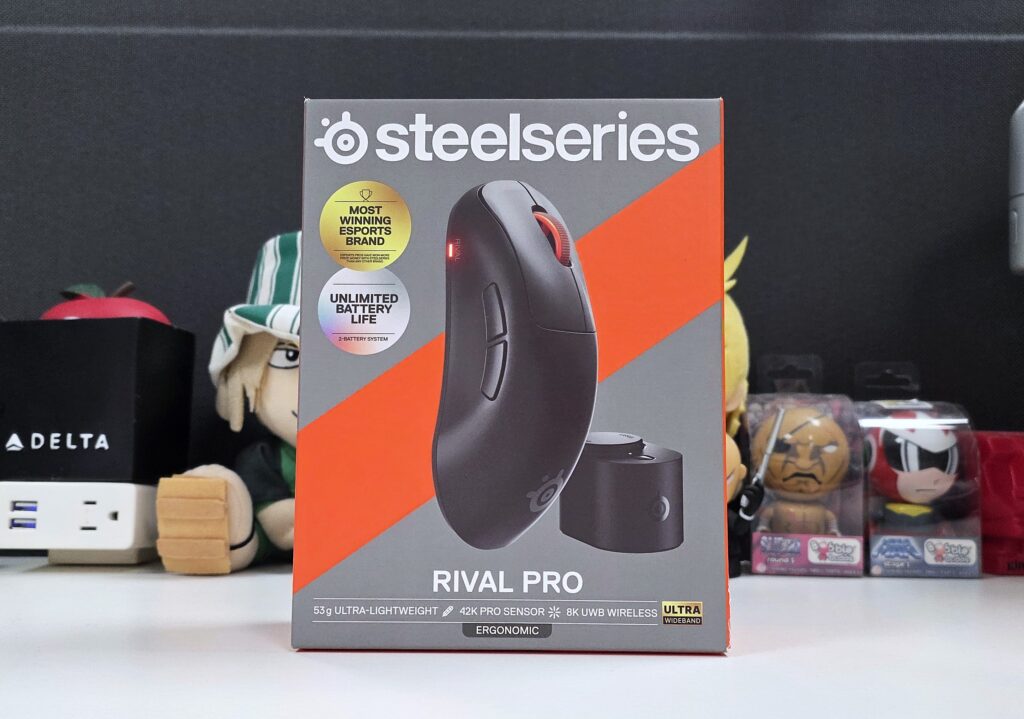
† We were provided with a SteelSeries Rival Pro Wireless Gaming Mouse for review purposes and were not compensated for this review.