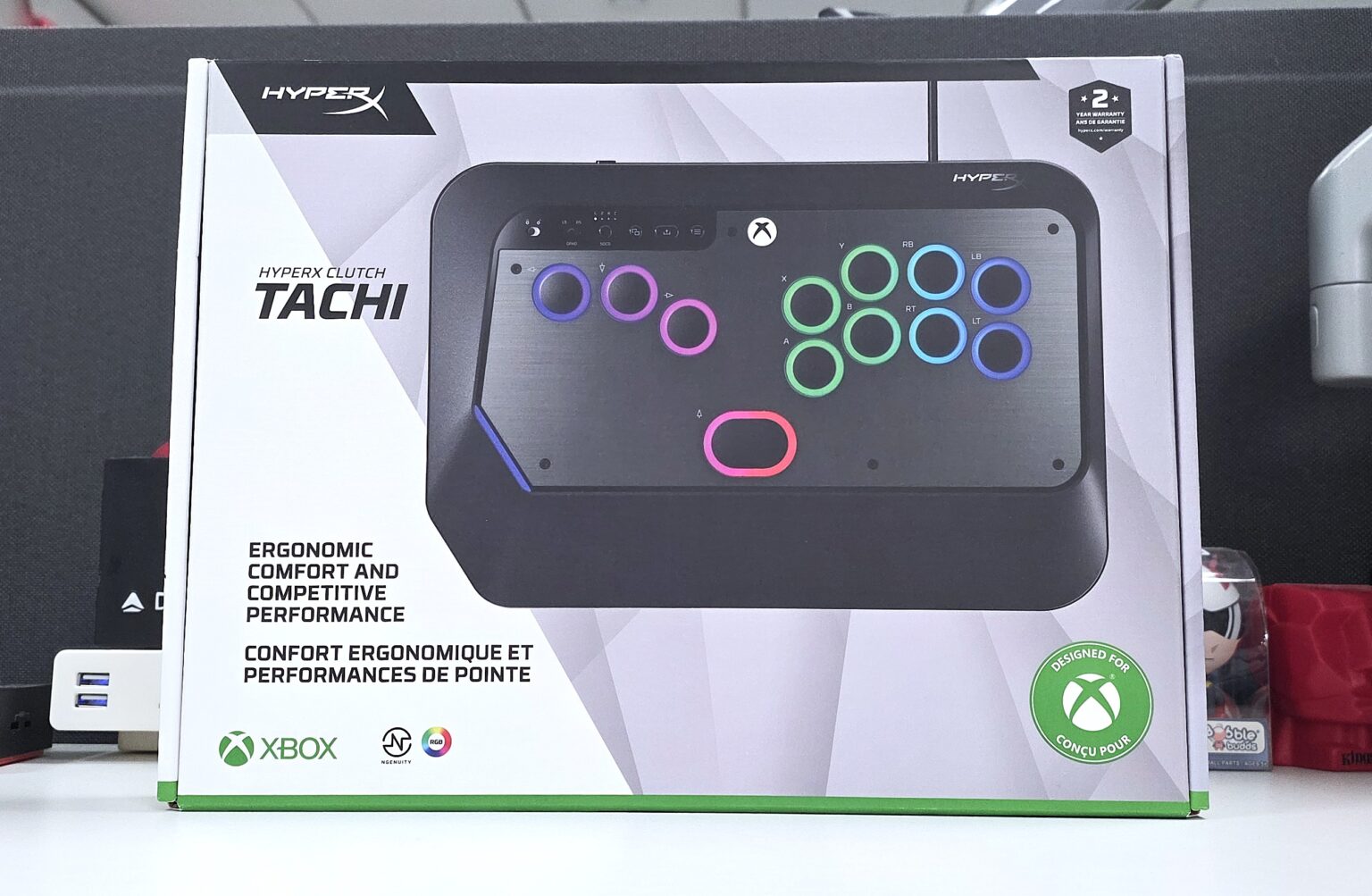
At CES 2026, HP HyperX unveiled their first ever leverless arcade controller, the HyperX Clutch Tachi. Touted as the first “hitbox”-style controller with TMR switches, this controller is officially Xbox Licensed, with compatibility on both Xbox and Windows PCs. This wired controller comes with RGB lighting and customizability using the NGENUITY PC app. Armed with various tournament geared features, this controller looks to taking your fighting game to the next level, whether it be casual or competitive.
So, let’s dive into the $199 HyperX Clutch Tachi controller to see what it brings to the table.
HyperX Clutch Tachi Specs
| Connection Type | Wired |
| Compatibility | Xbox Series X|S, Xbox4 One, Windows 10/11, Linux (Kernel 6.6 or above), Android 15 or above; Software Compatibility: NGENUITY |
| Length | 299.9 mm |
| Height | 23.7 mm |
| Width | 203 mm |
| Weight | 1.87 lbs |
| Cable | 9.67 ft | Detachable; Braided USB-C to USB-A Cable |
Specs taken from product page.
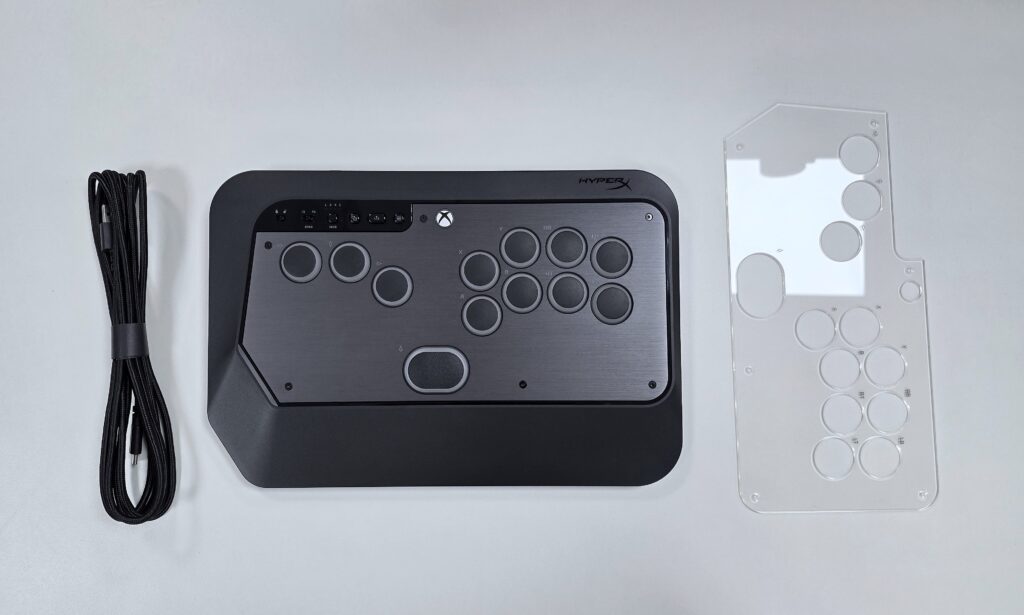
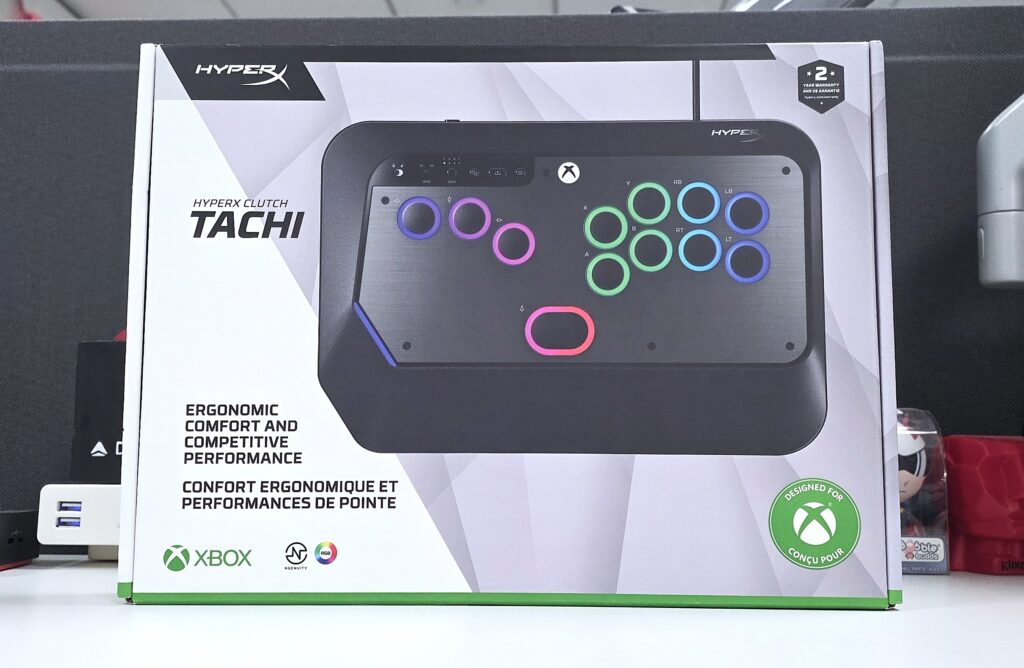
A purchase of the HyperX Clutch Tachi comes with a clear top-plate, USB-C to USB-A cable, and a quick start guide.
Build, Features, and Performance
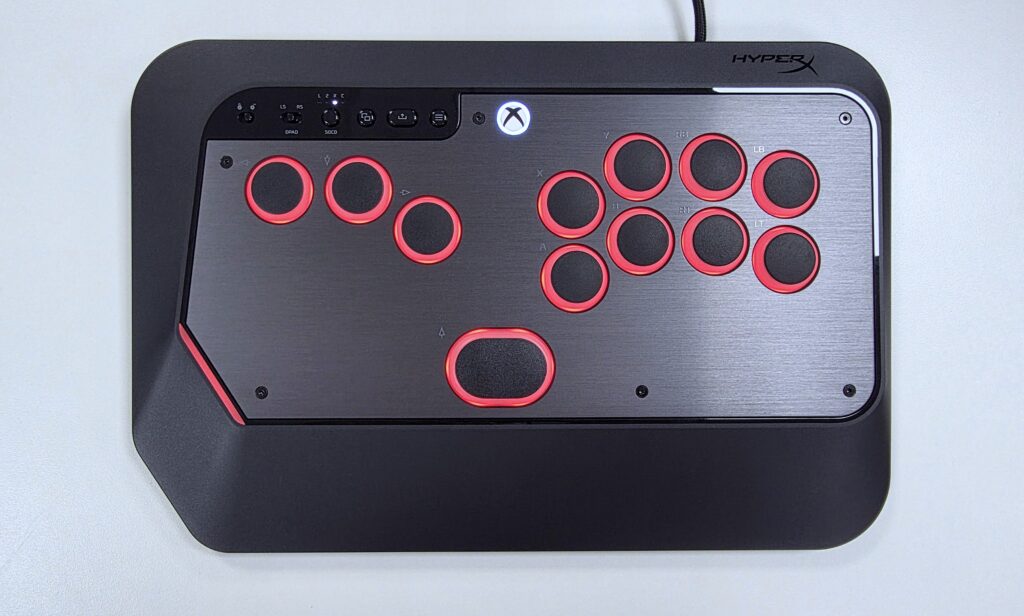
The HyperX Clutch Tachi features 24mm buttons with 2.5mm total travel distance and 0.25mm resolution. It sports a 0.1ms response time and a 35gf to 55gf of actuation force. You then have a built-in angled wrist rest, adjustable legs, and a detachable braided USB-C to USB-A cable, making the Tachi primed for travel.
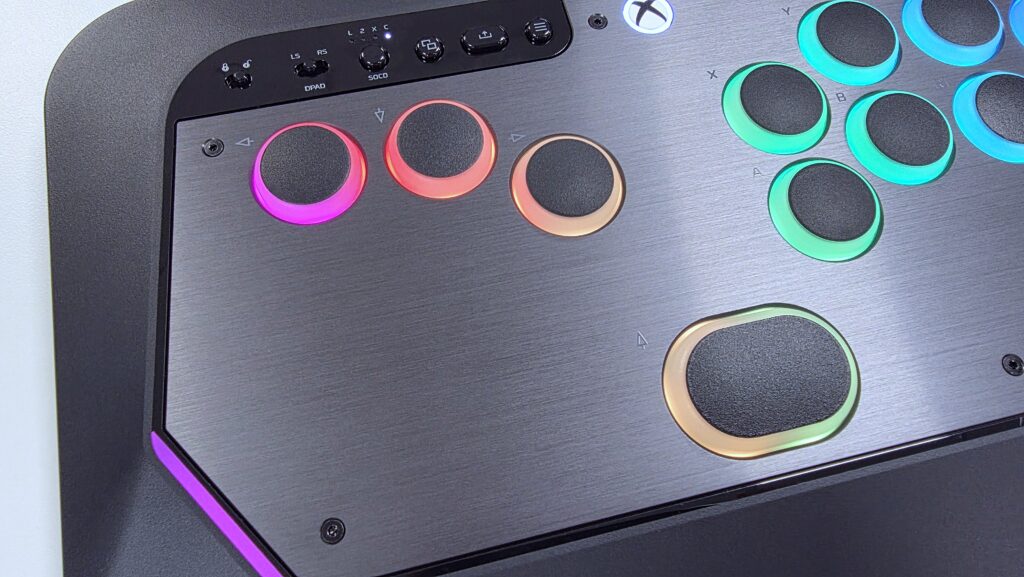
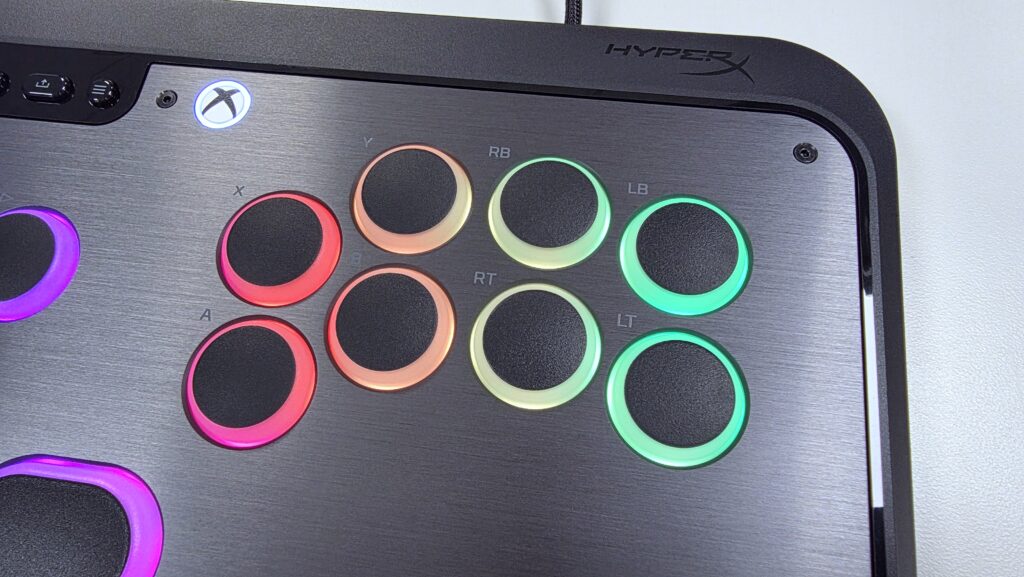
The TMR switches are topped off with pudding keycaps and customizable RGB colors. Keeping the Clutch Tachi feeling nice and sturdy is a metal top plate, covered by a second removable plastic plate. The removable plastic plate allows owners to insert their own user-created designs on the top of the controller. Open-source print files are available at printables.com, making such physical customizations available for anyone to access. You can access the file(s) by clicking here.
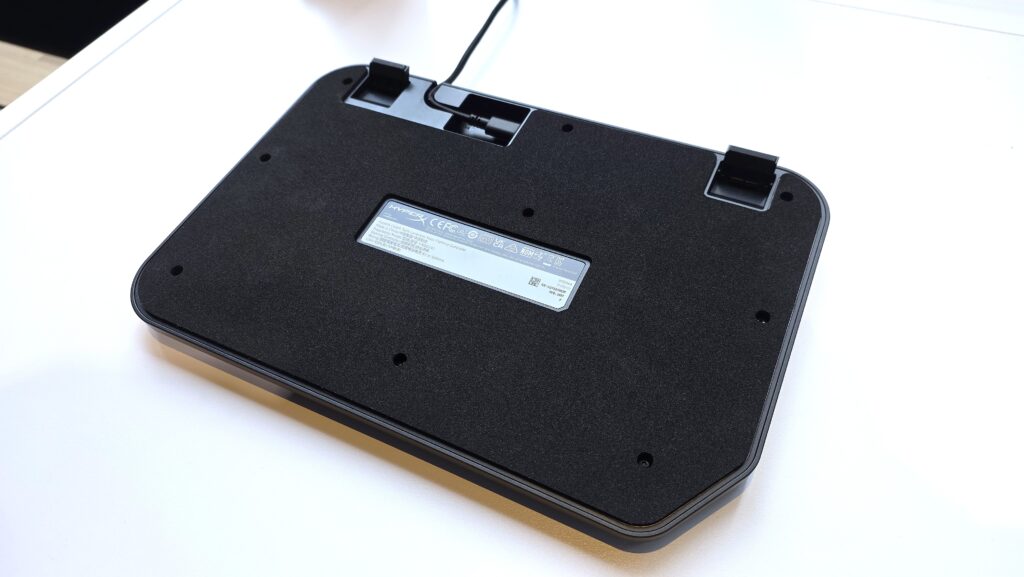
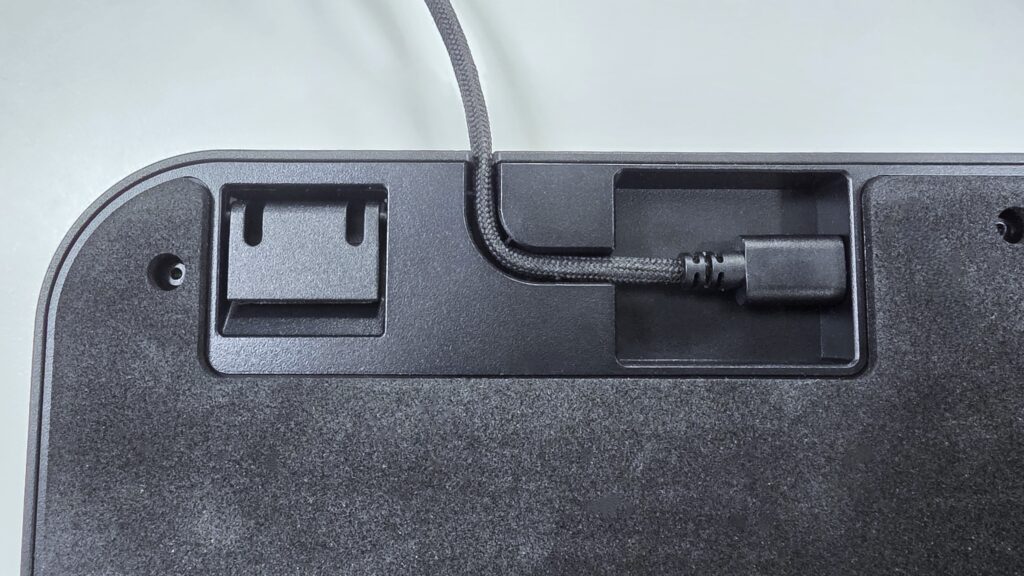
Starting with the bottom, you have the adjustable legs, coupled with a foam pad and rubber feet, allowing for easy use on either your lap or a countertop. You also have the unit’s cable channel, allowing you to keep the detachable cable secure during use.
In the top left section of the controller’s top, you have the staple Xbox buttons such as Menu, View, Share, and the Xbox button. However, you also have several controls that increase the Tachi’s usability and allow it to be tournament ready. The lock switch disables the Menu, View, Share, and Xbox buttons. This is handy as pressing these buttons usually lead to a loss in standard or professional tournament play. You then have a switch that toggles what inputs the controller’s left, right, up, and down buttons represent. The choices here are left analog stick, right analog stick, and D-pad, giving you some flexibility in the Tachi’s input style.
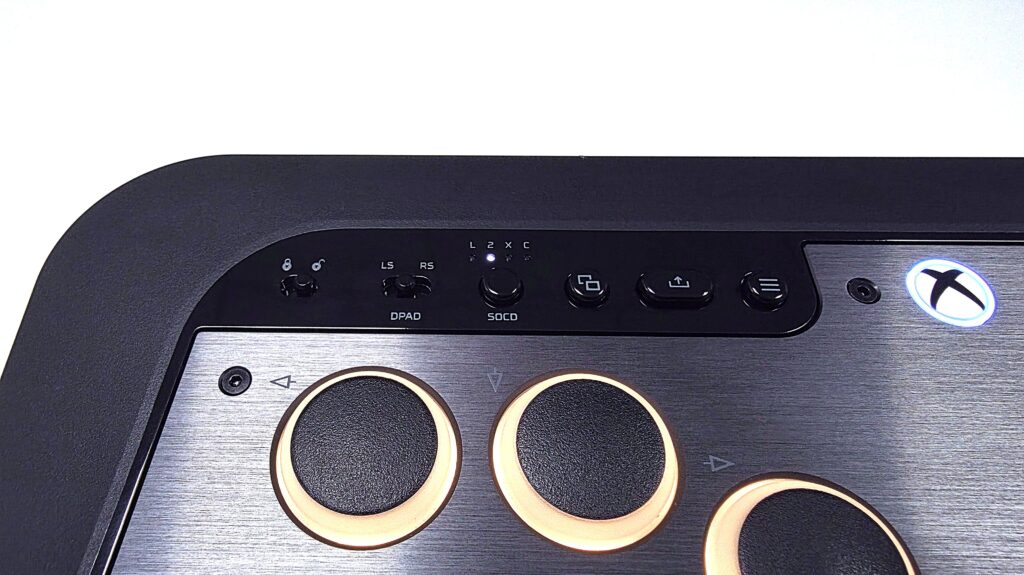
Last but not least, you have the SOCD button for toggling the modes for Simultaneous Opposing Cardinal Directions. Leverless controllers give you an input option that is not possible on a standard D-Pad or “Stick”. That is the ability to press two opposite directional inputs at the same time, such as Left+Right and Down+Up. As such, the Tachi’s four SOCD modes let you configure how the controller should behave when these opposing inputs are encountered. The four modes are Legacy, Second Priority, SOCD Off, and Capcom.
- Legacy: Sets Left+Right to neutral, and Down+Up to Up, where up will always have priority
- Second Priority: Registers the most recent or second directional input as the priority
- Capcom: Tournament standard where both left-plus-right and up-plus-down inputs result in a neutral output.
- SOCD Off: Disables SOCD cleaning so opposing directions can register raw inputs simultaneously.
The four SOCD modes allow you to fully experience the control styles that a leverless controller can offer. Depending on the mode, input registration can range from loose and forgiving to the tournament-required strict and intentional.
Legacy keeps you from inputting left and right simultaneously while giving you flexibility in down to up charge moves or jumping from a crouched position.
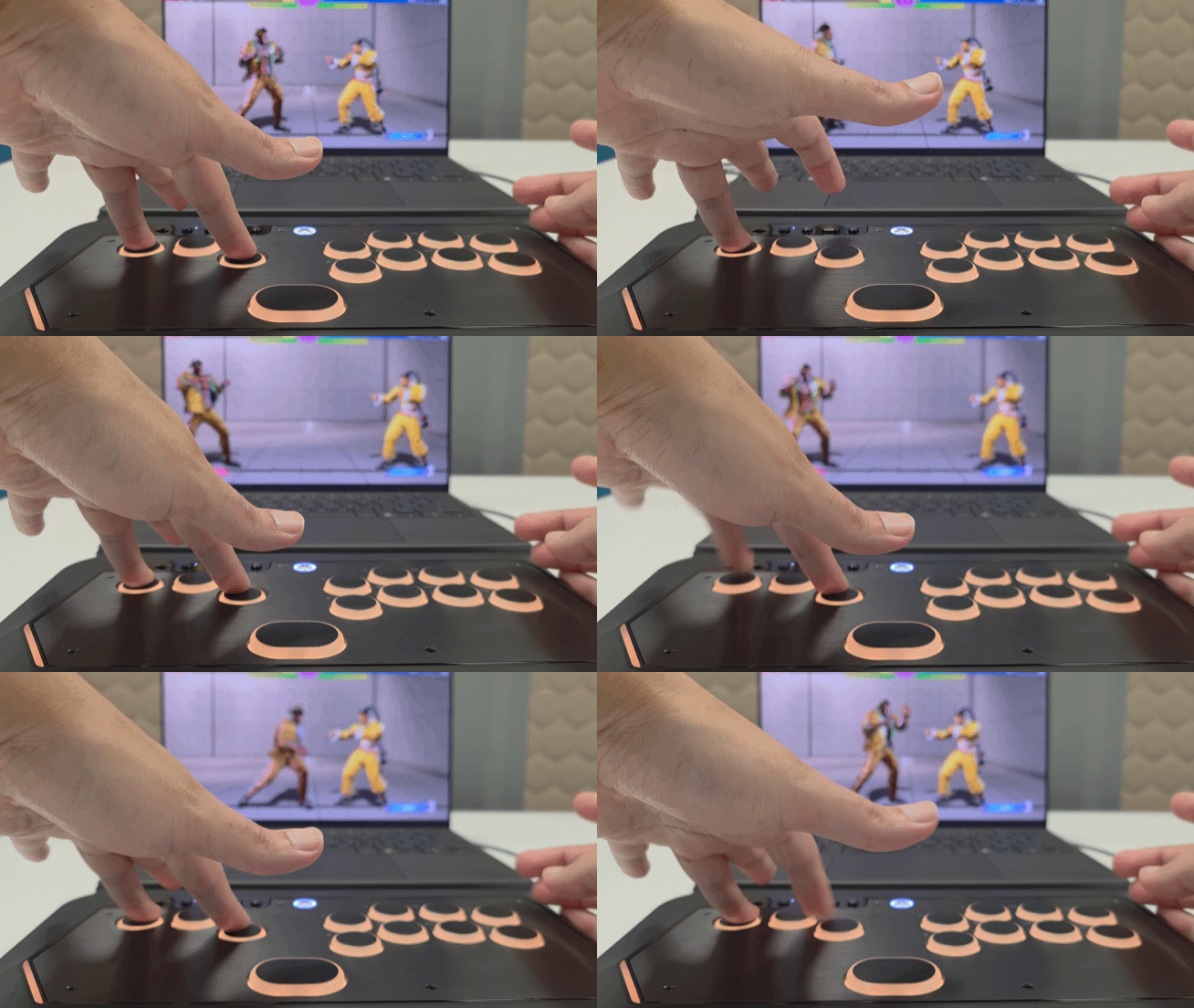
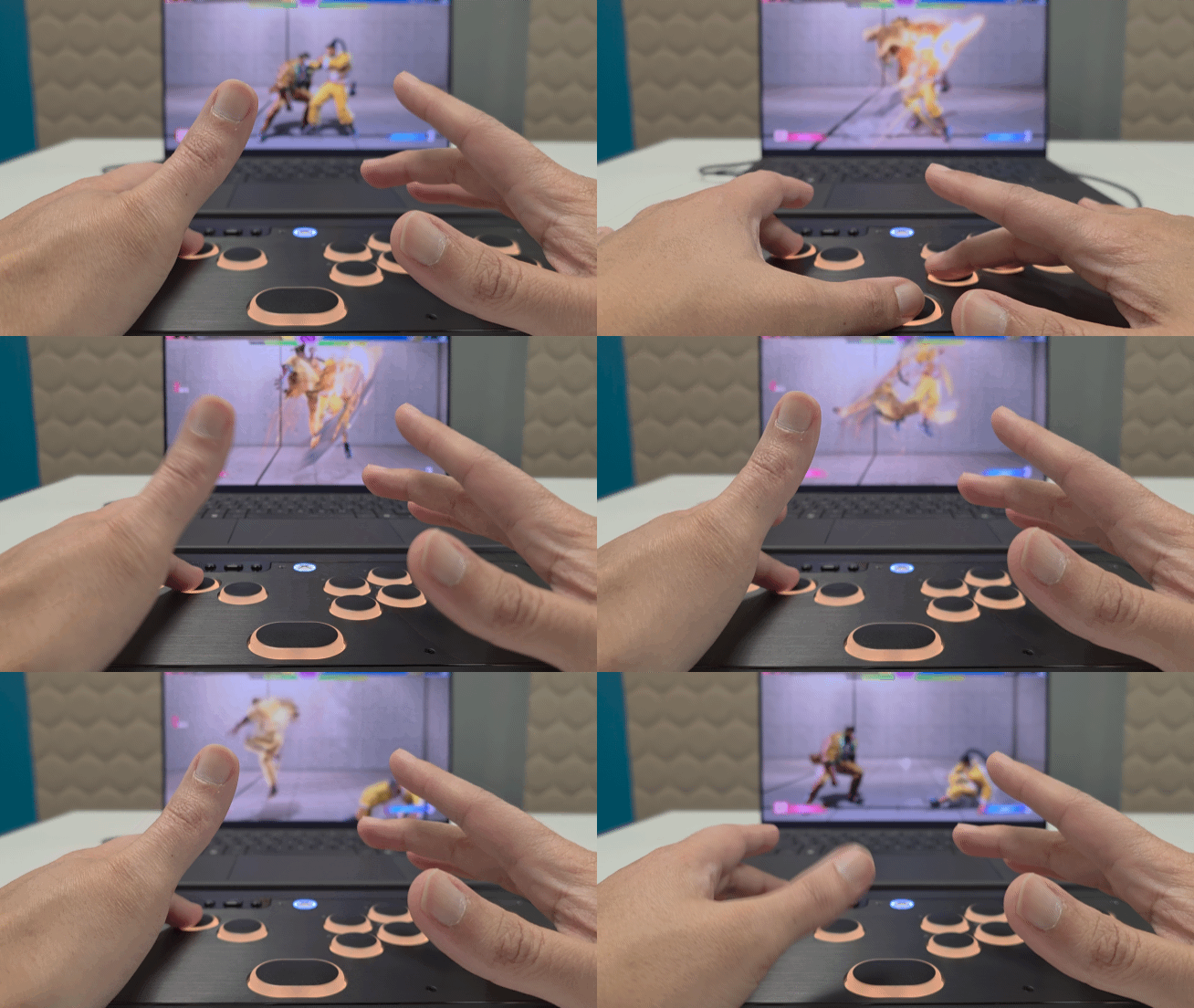
Second Priority is most appreciated when using characters with charge moves. It lets you concentrate more on the timing of triggering the move while not having to focus too much on releasing the opposing input.
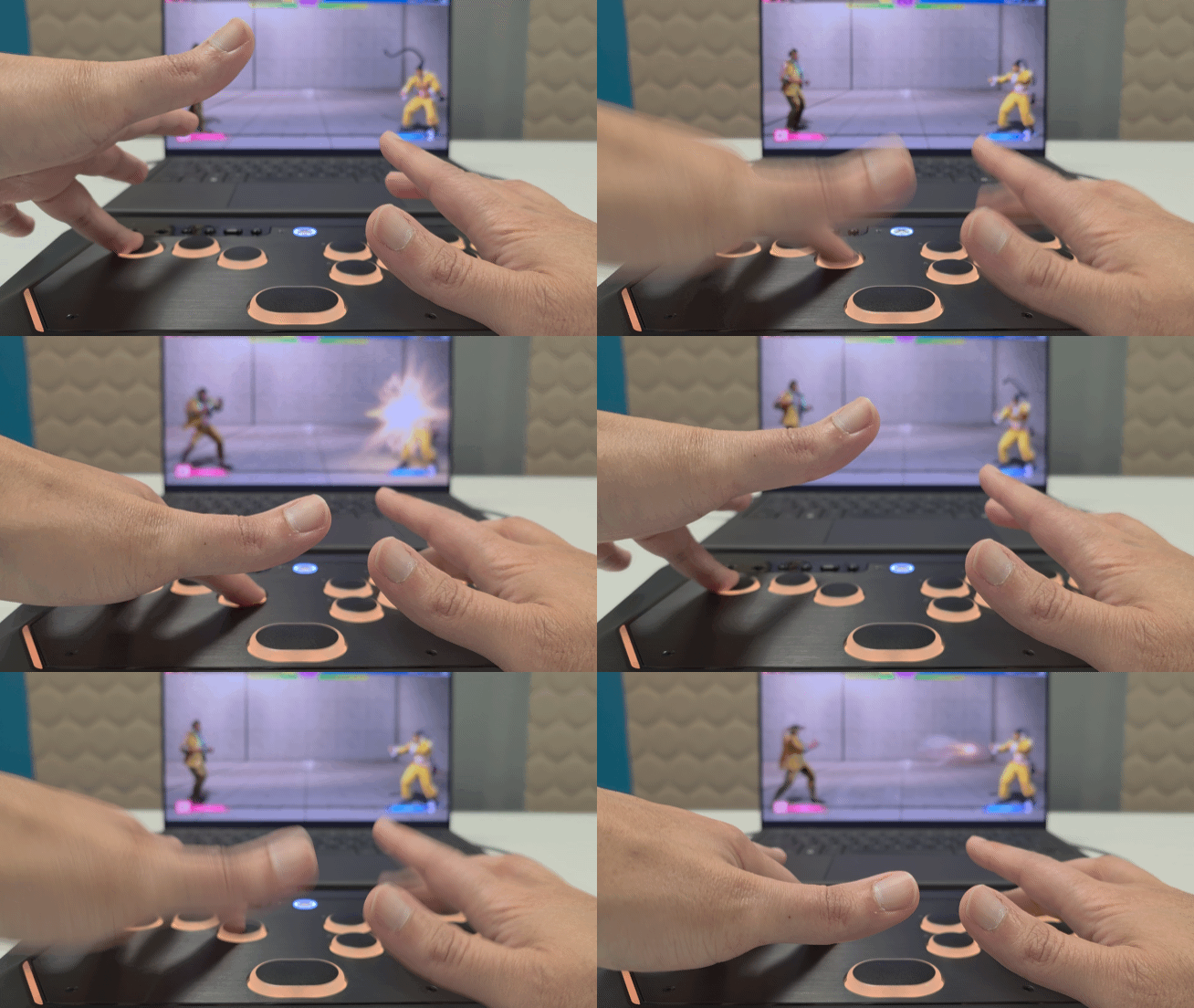
Capcom is your tournament standard, where you can only enter the inputs that are available across all controller styles, like stick and D-pad. Since you cannot input Left+Right or Down+Up simultaneously on a stick or D-Pad, for fairness, you should not be able to do that with a leverless in a tournament setting. Any attempts to enter opposing inputs simultaneously results in a neutral or “no” input. With the HyperX Clutch Tachi having this mode, that allows it to be acceptable in pretty much any tournament setting that allows leverless controllers.
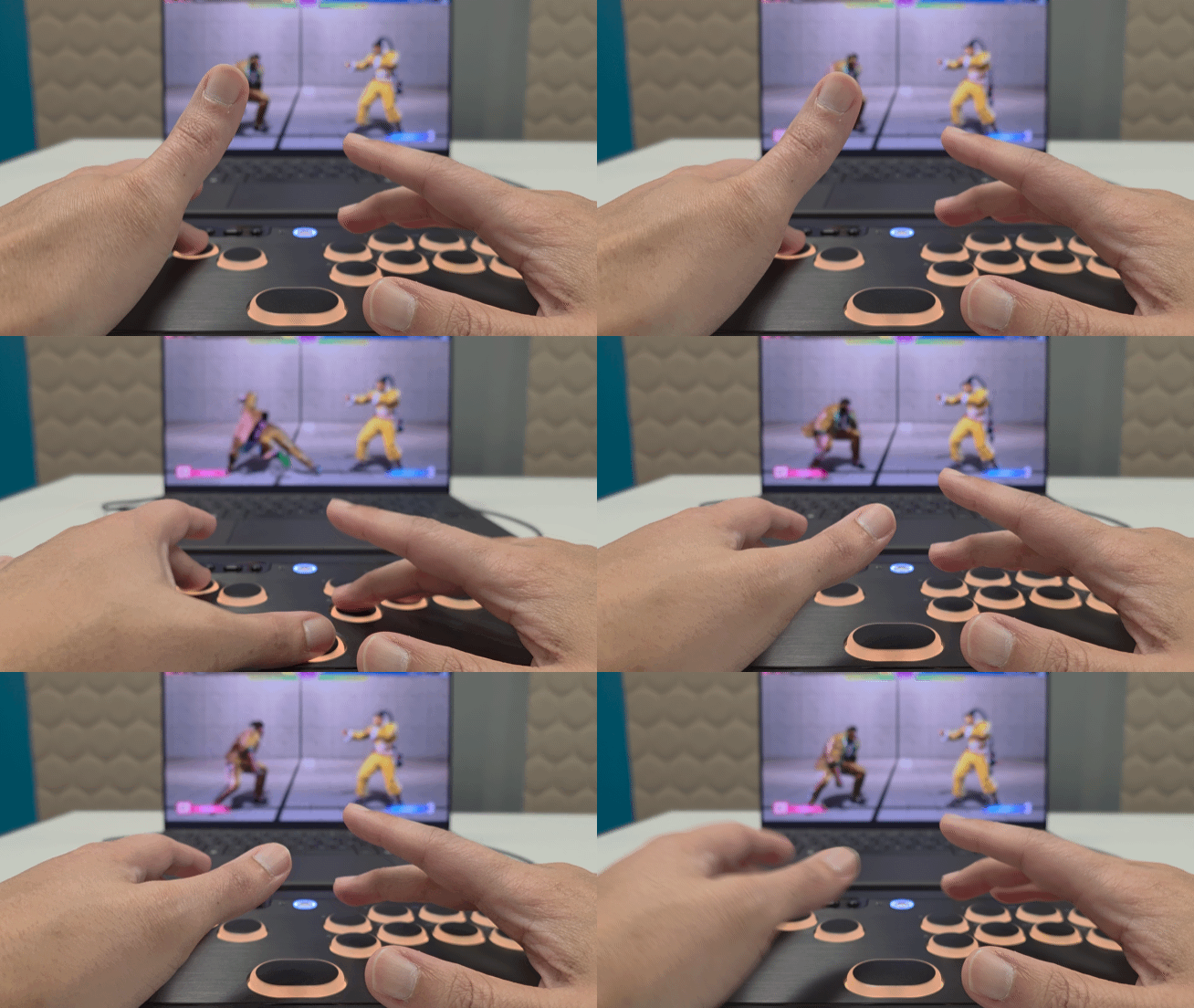
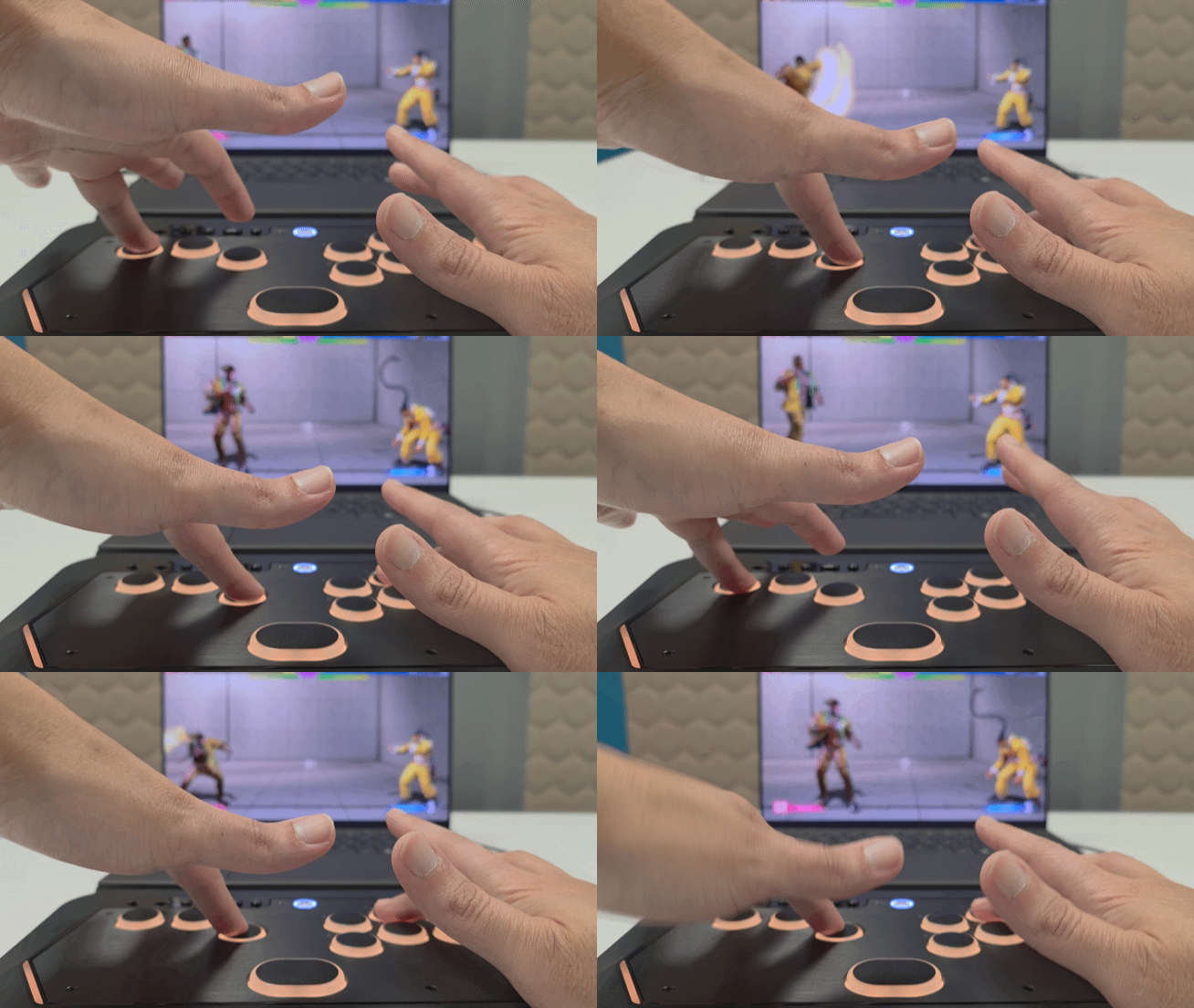
SOCD Off is pretty much the “wild west” of SOCD settings, where all raw inputs are registered, regardless of the timing or combination of button presses. Even with this mode activated, not all games register the simultaneous raw inputs of opposing directions. Nevertheless, it is a nice option to have for the Tachi, especially given its compatibility with PC.
The various customizable features that the HyperX Clutch Tachi offers can be accessed using the NGENUITY PC app. With the app, you change the buttons’ lighting behavior, change button mappings, tweak calibrations and actuation points, and update the Tachi’s firmware. You can also tweak when a button’s release is triggered, which helps you control how the Tachi handles your more rapid or repeated presses. Each screen has tool tips that you can check to better understand the feature you are changing.
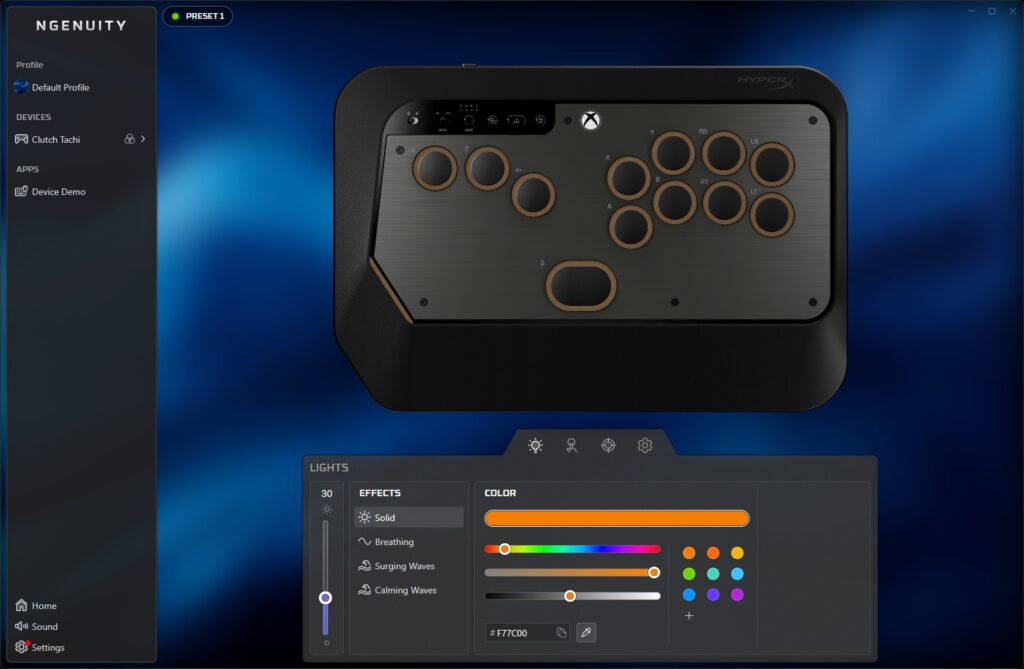
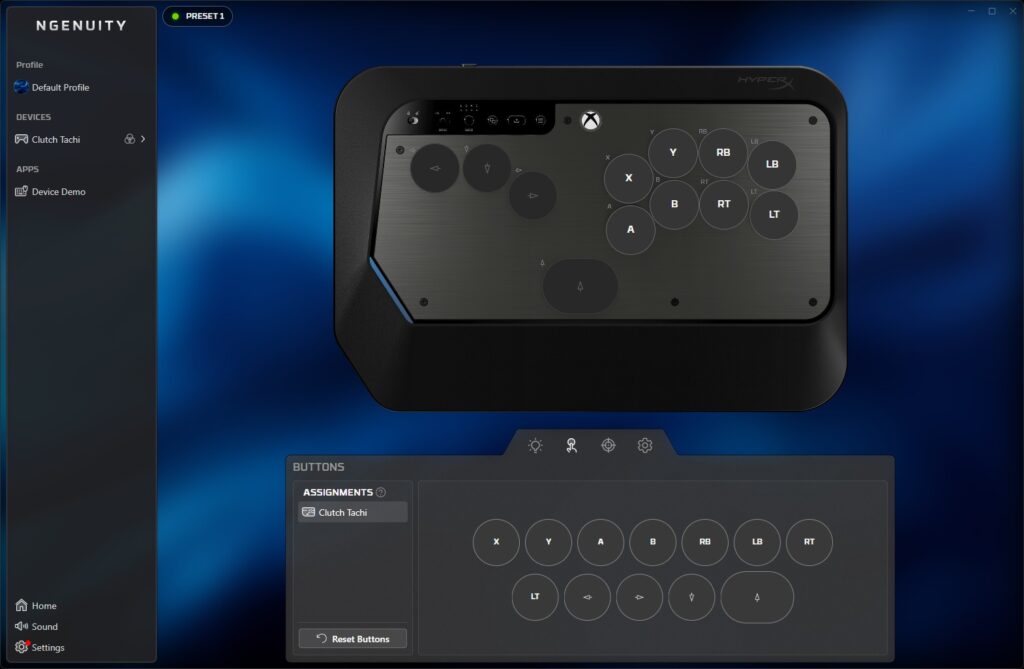
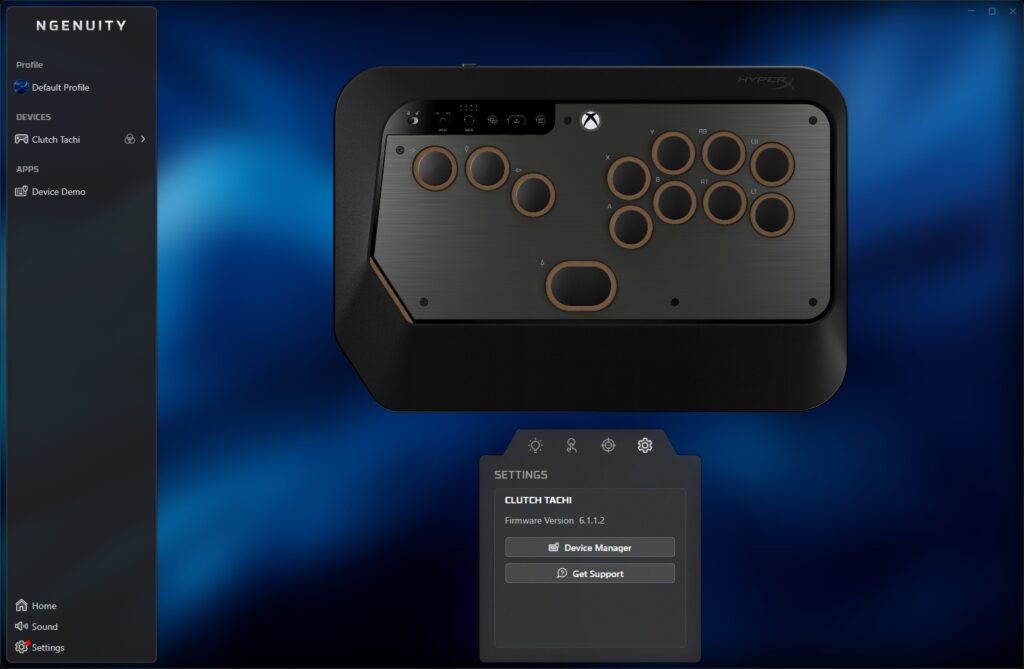
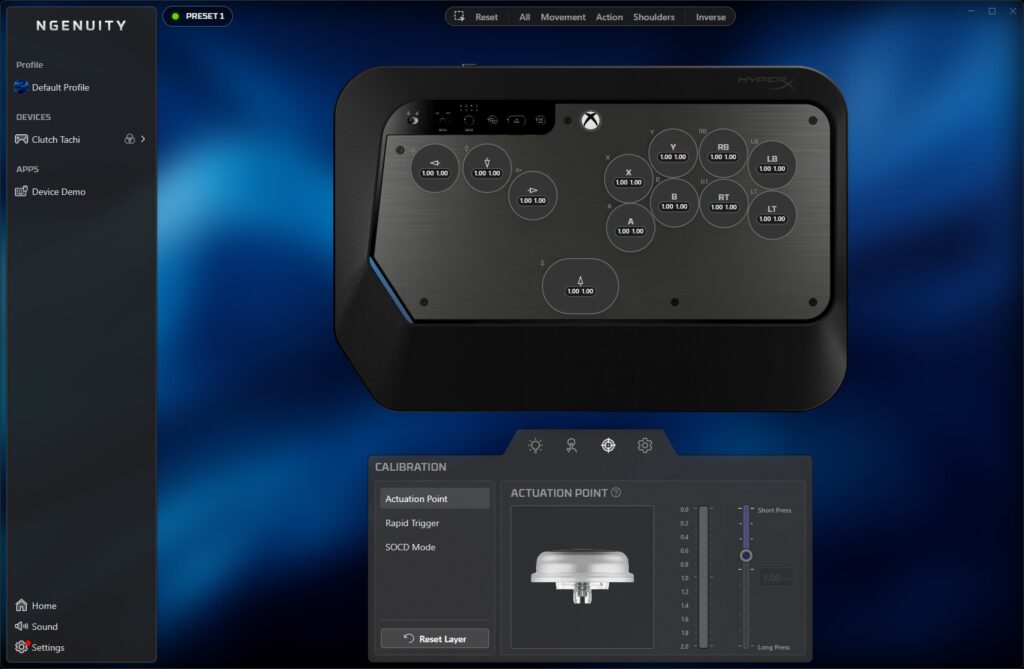
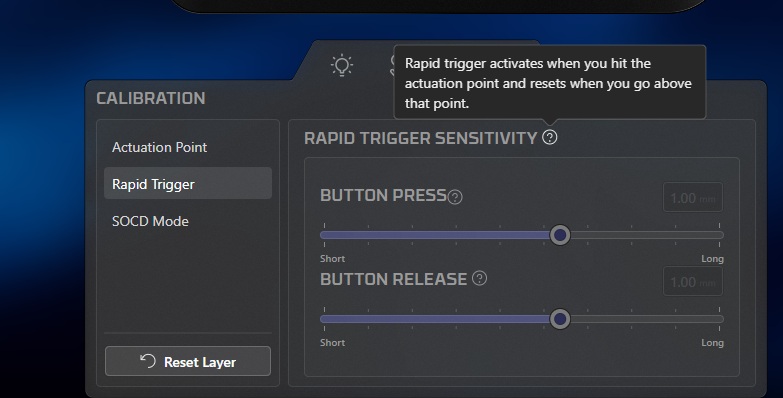
As such, the NGENUITY app does a good job at both giving you control over the Tachi’s options as well as introducing you to its features.
As a first-time user of a leverless controller, I appreciated my time learning the ropes of movement inputs with the HyperX Clutch Tachi. Admittedly, spending my entire life playing fighting games with either a stick or a fight pad, it took me a bit to get my muscle memory down. The lowest button is up, and the highest button is down, so I had to get used to jumping in fighting games with my thumb. After an hour or two of working out my mental kinks, I was off to the races with the Tachi in some of my favorite fighting games.
From a comfort and feel standpoint, the HyperX Clutch Tachi feels great to use. The curved layout of buttons for both the left and right hands were easy to get accustomed with. Button presses had more of a soft and punchy feel to them as opposed to that clicky feel I would expect from your run of the mill arcade stick. I am pretty heavy handed when it comes to handling controllers in fighting games, so I appreciated the level of comfort that the Tachi provides. I was able to play both Street Fighter 6 and SNK vs Capcom 2 in online matches for three-hour stints before I had to give my hands a break.
More importantly, once I got my left-hand execution down, I was treated to accurate and fast-actuation inputs throughout my matches. Command inputs came out cleaner than I expected, with double-quarter-circle motions executing especially fast. I am no novice when it comes to super move inputs, but I was surprised at how fast I could pull off the motion with the Tachi. My input speed was always the fastest with the D-Pad, followed by stick. However, I found myself inputting even faster now on leverless. And I say that knowing that I still have room to grow with leverless movement controls.
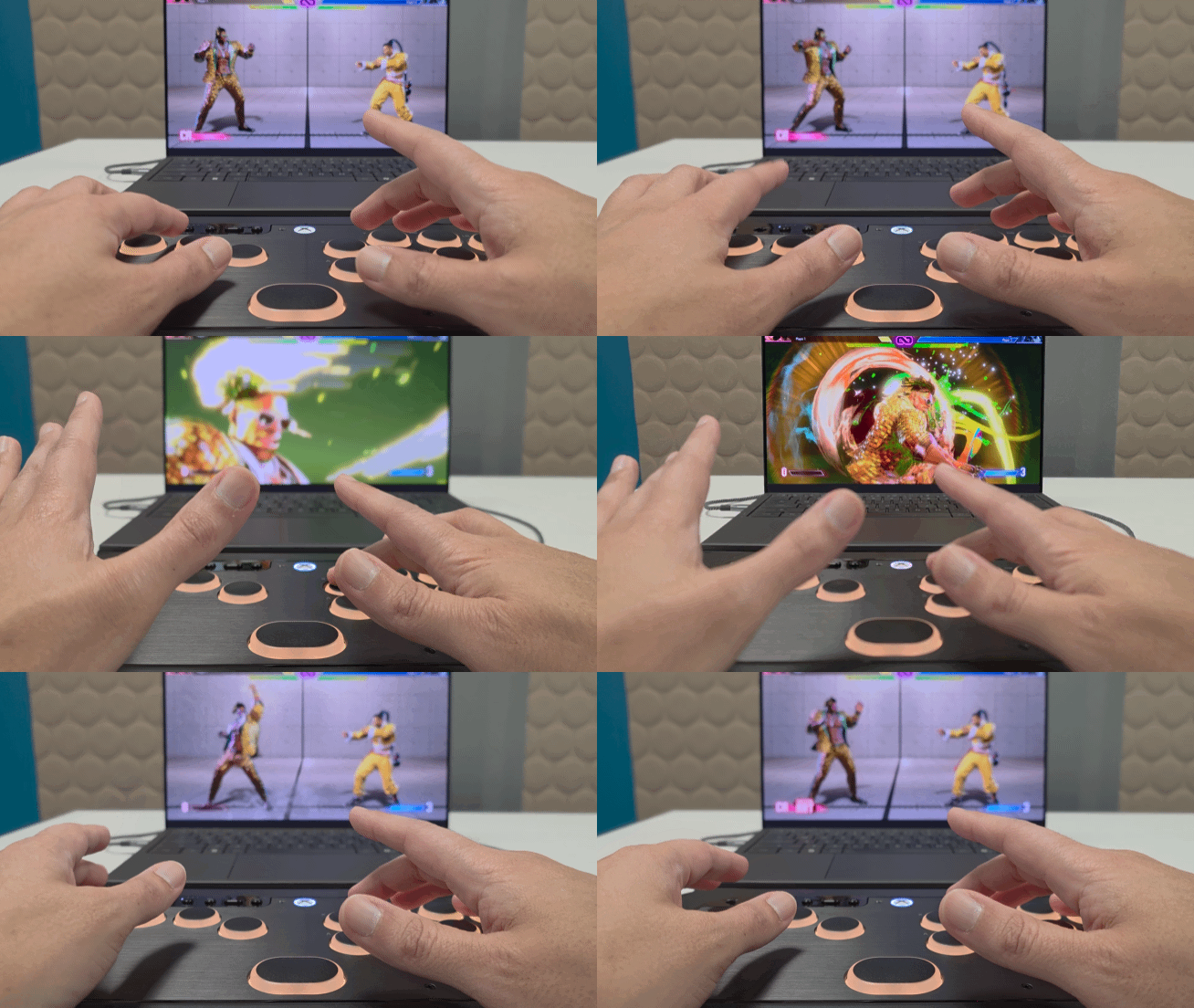
Standard quarter circle, half circle, and dragon punch motions did not take much effort once I got things down. If anything, inputting these motions felt even cleaner for me with the Tachi than it did with any arcade stick I handled. Being a DeeJay main in Street Fighter 6, I had plenty of fun playing with the Second Priority SOCD, as inputting his charge command inputs never felt easier on any other controller.
In terms of effectiveness, playing with the HyperX Clutch Tachi only encourages me to keep using it until it becomes my go-to for all things fighting. Helping that cause is not only the Tachi’s portability but also its compatibility.
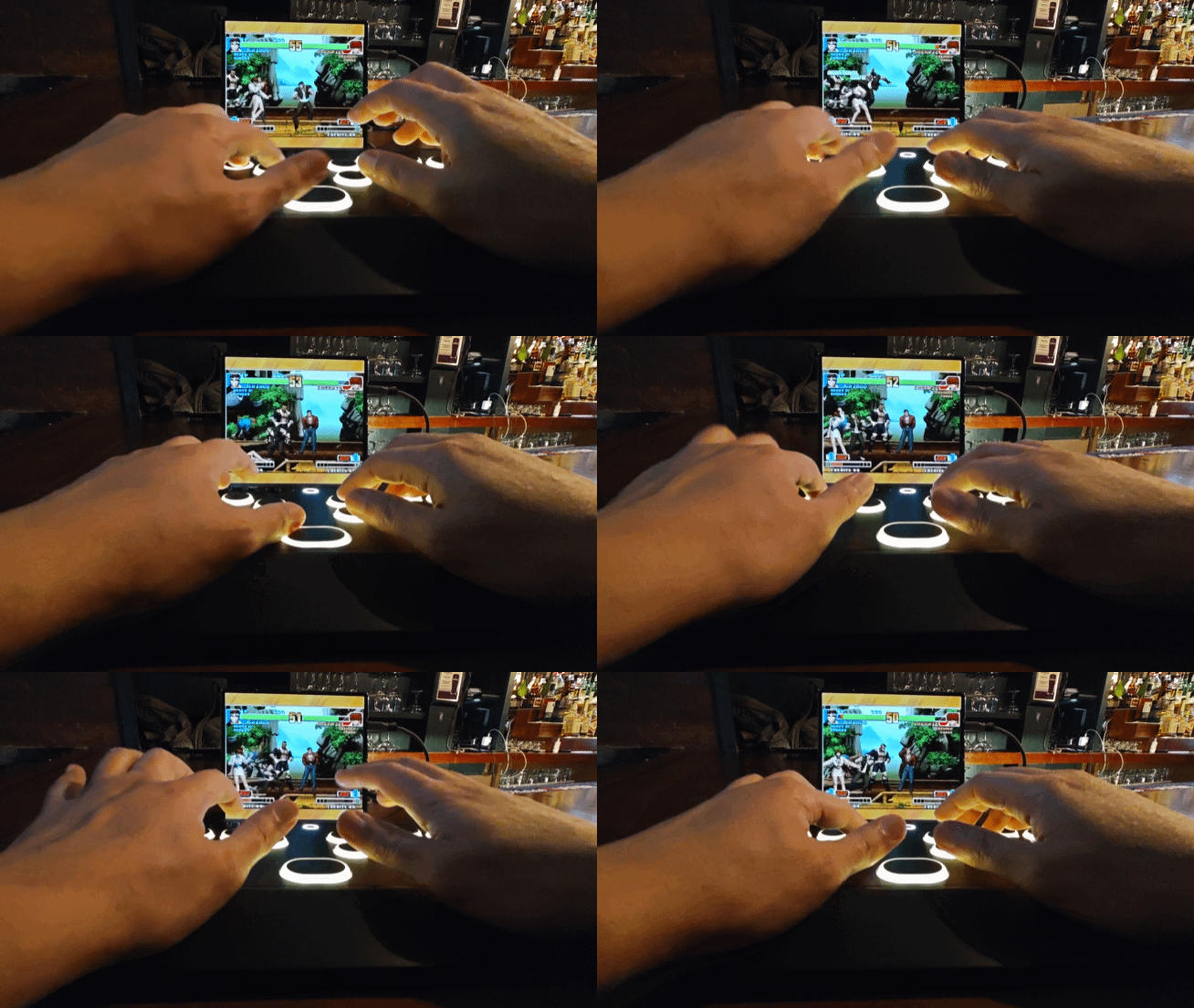
While primarily advertised as an Xbox and PC controller, the HyperX Clutch Tachi also works with Android devices. I was able to connect the Tachi to my Samsung Galaxy Z Fold 7 using a USB-C to USB-C cable and my phone treated it just like any standard Xbox-style controller. Just like that, I was able to enjoy the Tachi with Android-ported titles such as the King of Fighter ’98 for Android.
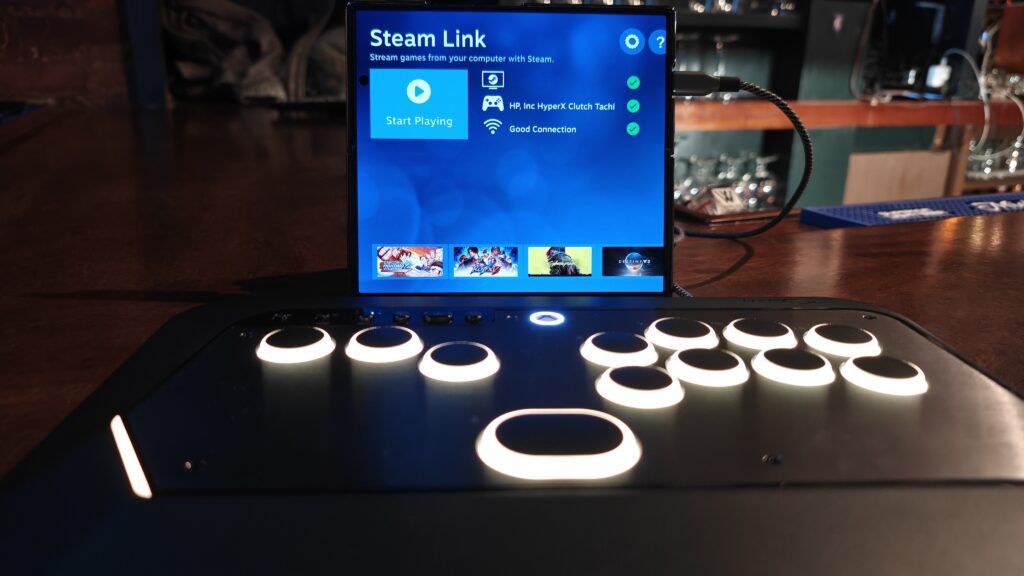
The Tachi is also recognized by Steam Link, giving me the option to play fighting games remotely off my PC from my mobile device.
Final Thoughts
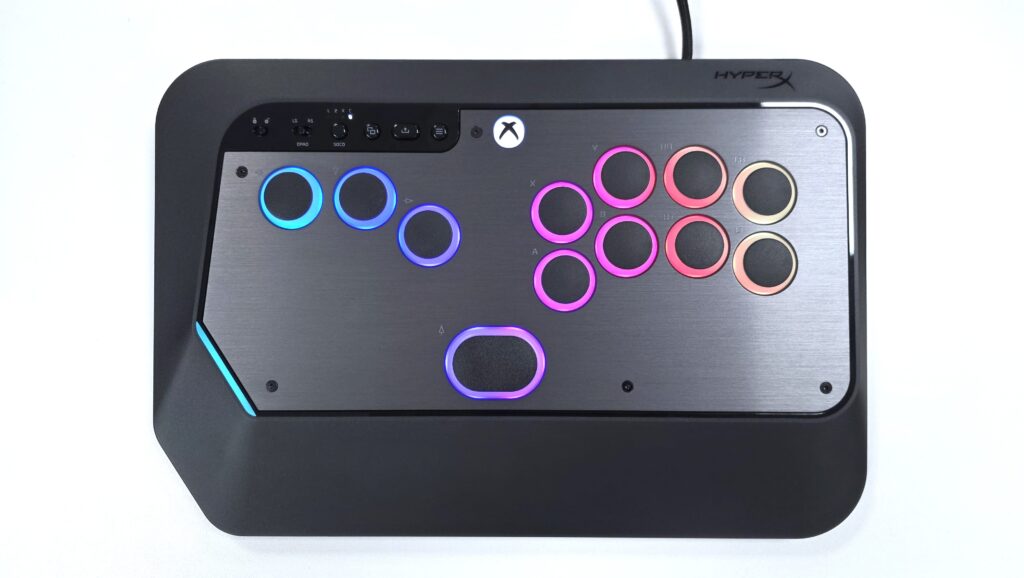
In the end, the HyperX Clutch Tachi is a controller that I am glad was my first dip into leverless controllers. Its button layout and feel are easy to get accustomed with. The TMR switches actuate and respond quickly, keeping up with the fastest of inputs. Not to mention, their contactless sensors also contribute to the controller’s lifespan by combating that natural wear and tear. Its SOCD modes and input locks make it fully available for both casual and professional gamers alike. Lastly, it is highly customizable, both physically through 3D components and behavior-wise through the HyperX NGENUITY software.
Whether you are a professional gamer or just a fighting game enthusiast, the HyperX Clutch Tachi is a solid buy for $199. If you want to check it out for yourself, you can do so by clicking here.
†We were provided with a HyperX Clutch Tachi leverless arcade controller for review purposes and were not compensated for this review.